Understanding Ping
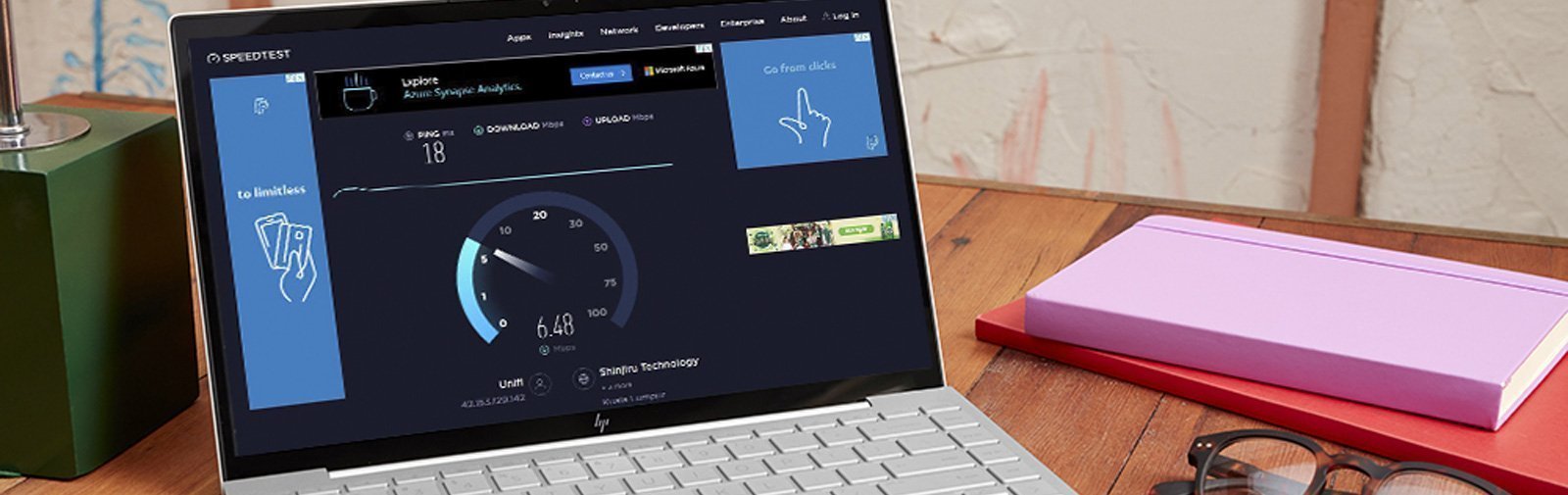
In the world of online gaming, players often hear the term "ping," but what does it really mean? Ping is a network utility that measures the time it takes for a data packet to travel from your device to a game server and back again. This round-trip time is measured in milliseconds (ms). For gamers, lower ping is essential, as it correlates directly with the responsiveness of gameplay. A ping under 30ms is considered optimal for gaming, while anything above 100ms can lead to noticeable lag, impacting your performance and overall gaming experience.

Factors Affecting Gaming Performance
Several factors can affect your gaming performance, particularly in Malaysia, where internet infrastructure can vary significantly. These factors include:
- Internet Speed: A fast internet connection is critical for reducing lag. Look for high-speed broadband plans that can handle heavy gaming traffic.
- Latency: This is the delay before a transfer of data begins following an instruction. High latency can create frustrating lag spikes during gameplay.
- Hardware: Your gaming setup, including your PC or console, graphics card, and peripherals, can impact performance as well. Ensure your hardware meets or exceeds the game’s requirements.

Tips to Improve Ping
Improving your gaming ping is essential for a better experience, especially for gamers in Malaysia. Here are some actionable tips tailored for you:
Optimize Your Network Settings
Adjusting your router settings can significantly enhance your gaming experience. Here are some steps to consider:
- Quality of Service (QoS): This feature allows you to prioritize gaming traffic over other types of internet usage, ensuring that your game receives the bandwidth it needs.
- Change DNS Settings: Switching to a faster DNS server such as Google DNS (8.8.8.8) can sometimes lower ping times.
- Firmware Updates: Keeping your router's firmware up-to-date can help optimize performance and security.
Choosing the Right Equipment
Your choice of equipment plays an important role in your gaming experience. Brands like TP-Link, Netgear, and D-Link offer gaming routers specifically designed to reduce lag and improve ping. Here’s what to look for:
- TP-Link: Known for its affordability and performance, TP-Link routers often come with gaming-specific features.
- Netgear: Their Nighthawk series is popular among gamers for its high performance and reliability.
- D-Link: D-Link routers offer excellent features tailored for gaming, such as customizable QoS settings.
Utilizing Wired Connections
While Wi-Fi offers convenience, using a wired connection (Ethernet) can drastically reduce ping. The advantages of a wired connection include:
- Lower Latency: Ethernet connections generally provide lower latency compared to Wi-Fi.
- Stable Connection: Wired connections are less susceptible to interference from other devices or network congestion.
- Consistent Speed: With an Ethernet connection, you’re less likely to experience fluctuations in speed during gameplay.
VPNs: Are They Helpful?
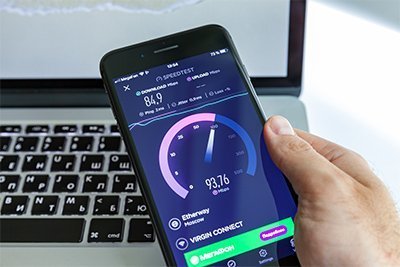
Using a VPN can sometimes improve your gaming ping, especially if you are connecting to a server located far away. However, it can also introduce additional latency. Here’s what you need to know:
- Pros: A good VPN can help you connect to less congested servers, potentially reducing ping.
- Cons: Many VPNs may add extra latency due to the encryption process, which can worsen your gaming experience.
Ultimately, it’s important to choose a reputable VPN known for speed and low latency if you decide to use one for gaming.

FAQs
What is a good ping for gaming?
A good ping for gaming is generally considered to be under 30ms. This level of responsiveness allows for a smooth gaming experience without noticeable lag. As latency increases, especially above 100ms, players may begin to experience delays that can impact their performance.
How can I reduce lag in online gaming?
To reduce lag in online gaming, you can follow these tips:
- Use a wired Ethernet connection instead of Wi-Fi.
- Optimize your router settings for gaming.
- Choose a high-speed internet plan that can accommodate your gaming needs.
- Limit the number of devices using your network while you game.
- Consider using a gaming VPN if it helps you connect to a less congested server.
Improving your gaming ping is essential for enjoying a seamless gaming experience in Malaysia. By taking the steps outlined above, you can ensure that your gaming sessions are as smooth and enjoyable as possible.