Unlocking XAPK Files on Your PC: Everything You Need to Know in 2026
In the vibrant Malaysian gaming community, staying updated with the latest mobile games is more important than ever. With the increasing popularity of Android games, you might have come across XAPK files. But how exactly do you open these files on your PC? In 2026, we’ll explore everything you need to know about XAPK files, the software required to open them, and common troubleshooting tips.
What is an XAPK File?
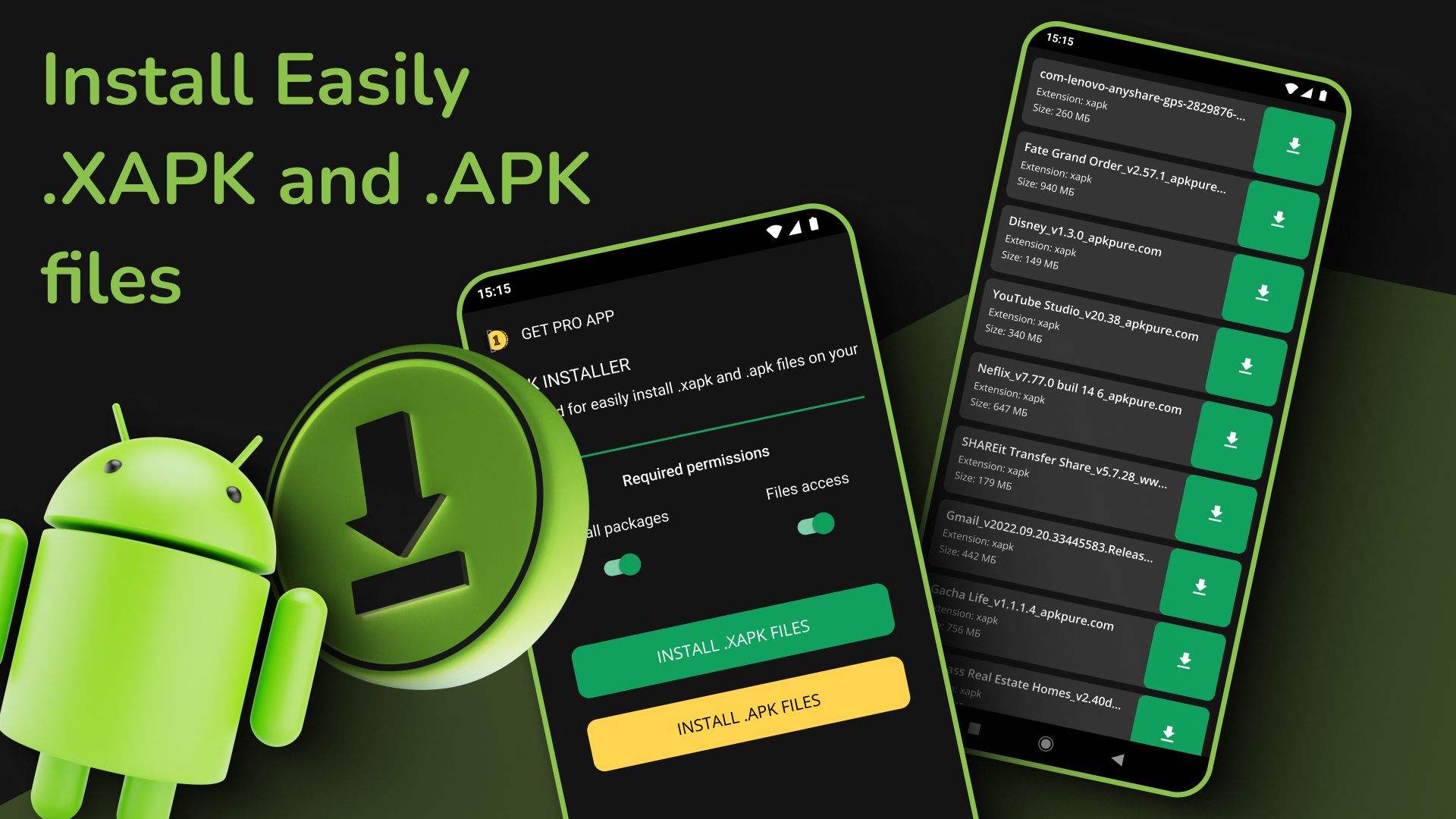
An XAPK file is a package format used to distribute Android applications that contain both the APK file (the main installation file) and additional data files, commonly referred to as OBB files. This format is particularly useful for larger games that require significant resources and assets to function correctly. Unlike the standard APK files, which only contain the app code, XAPK files bundle everything needed for a smooth installation, making it easier for users to install complex applications.
Understanding the difference between APK and XAPK files is crucial for gamers. While APK files are straightforward and can be installed directly on Android devices, XAPK files require more steps to install, especially on a PC. They are ideal for games that have larger graphics or additional content, which is why many popular titles utilize this format.
How to Open XAPK Files
Opening XAPK files on your PC may seem daunting, but it’s a straightforward process. Here’s a step-by-step guide to help you navigate through it:
- Download an Emulator: First, you need an Android emulator. BlueStacks and NoxPlayer are two popular options that allow you to run Android applications on your PC.
- Install the Emulator: Download the emulator from the official website and follow the installation instructions. Make sure to allocate enough resources (like RAM and CPU) for optimal performance.
- Locate the XAPK File: Find the XAPK file you wish to open on your PC. You may have downloaded it from a trusted source or received it from a friend in the gaming community.
- Open the Emulator: Launch your chosen emulator. Both BlueStacks and NoxPlayer have user-friendly interfaces that make it easy to manage your apps.
- Install XAPK File: Drag and drop the XAPK file into the emulator window. Alternatively, you can use the built-in installation option in the emulator to browse and select your XAPK file.
- Follow Installation Prompts: The emulator will automatically extract the contents of the XAPK file and install the app. This includes both the APK and additional data files.
- Launch the Game: Once the installation is complete, the game will appear in the emulator’s app drawer. Click on it to start playing!

As you can see above, the process to open XAPK files is quite user-friendly, especially if you’re familiar with using emulators. For Malaysian gamers, having the right tools at your disposal can enhance your gaming experience significantly.
Recommended Software
When it comes to opening XAPK files on your PC, not all emulators are created equal. Here are two of the best options available in 2026:
- BlueStacks: One of the most popular Android emulators, BlueStacks is renowned for its stability and extensive compatibility with various Android applications. With features like multi-instance support and a user-friendly interface, it allows gamers to play multiple games simultaneously. To open XAPK files, simply drag and drop the file into the BlueStacks window, and it will handle the installation seamlessly.
- NoxPlayer: Another excellent choice for gamers, NoxPlayer offers a smooth gaming experience with customizable controls. It is particularly favored among those who enjoy playing mobile games on a larger screen. NoxPlayer also supports the drag-and-drop feature for XAPK files, making installation straightforward. It provides additional functionalities like screen recording and script recording, which can be handy for gamers looking to create content.
Choosing between BlueStacks and NoxPlayer often boils down to personal preferences and specific gaming needs. Both are highly capable of handling XAPK files, ensuring a smooth gaming experience for Malaysian users.
Troubleshooting Common Issues
Even with the best software, you may encounter some issues while trying to open XAPK files. Here are a few common problems and their solutions:
- Installation Fails: If the installation fails, ensure that you have downloaded the XAPK file from a reputable source. Corrupted files can lead to installation errors. Try downloading the file again.
- Emulator Crashes: If your emulator crashes during installation, it might be due to insufficient system resources. Check your PC’s RAM and CPU usage and consider closing other applications to free up resources.
- Game Doesn’t Launch: After installation, if the game doesn’t launch, ensure that all necessary permissions are granted in the emulator settings. Additionally, check for updates for the emulator or the game itself.
- Performance Issues: If the game is lagging, try adjusting the emulator’s settings. Lowering graphics settings or allocating more CPU and RAM to the emulator can improve performance.
By following these troubleshooting tips, you can minimize the challenges associated with opening XAPK files and enjoy a seamless gaming experience.
FAQ
What is an XAPK file?
An XAPK file is a package format that combines an APK file with additional data files (OBB) necessary for certain Android applications, facilitating their installation on devices.
Is there a free tool to open XAPK?
Yes, both BlueStacks and NoxPlayer are free to download and use, making them excellent tools for opening XAPK files on your PC.
In conclusion, opening XAPK files on your PC is a manageable task that can enhance your gaming experience significantly. With the right emulator and a little knowledge, you can easily access a plethora of games that may not be available directly on PC. Embrace the world of XAPK files and enjoy gaming in 2026!