How to Create Engaging Gameplay Videos in 2026
In the vibrant Malaysian gaming community, creating gameplay videos has become a popular way to share experiences, showcase skills, and connect with fellow gamers. Whether you're looking to entertain, educate, or just have fun, knowing how to create engaging gameplay videos is essential. In this guide, we'll explore everything from the tools you need to effective promotion strategies for your content.
Tools Needed
To jumpstart your journey in creating gameplay videos, having the right tools is vital. Here’s a breakdown of essential recording software and hardware that you should consider:
- Recording Software:
- OBS Studio: This free, open-source software is a favorite among gamers. It provides high-quality recording and streaming capabilities, making it perfect for capturing gameplay on PC.
- Streamlabs OBS: A user-friendly version of OBS tailored for streamers, which integrates various widgets for alerts and donations.
- Mobile Options: If you're gaming on the go, apps like DU Recorder or Mobizen can help you record gameplay directly from your smartphone.
- Hardware:
- Capture Cards: For console gamers, a capture card like the Elgato HD60 S is essential to record high-quality gameplay footage.
- Microphone: A good microphone enhances the audio quality of your commentary. USB microphones like the Blue Yeti are popular choices.
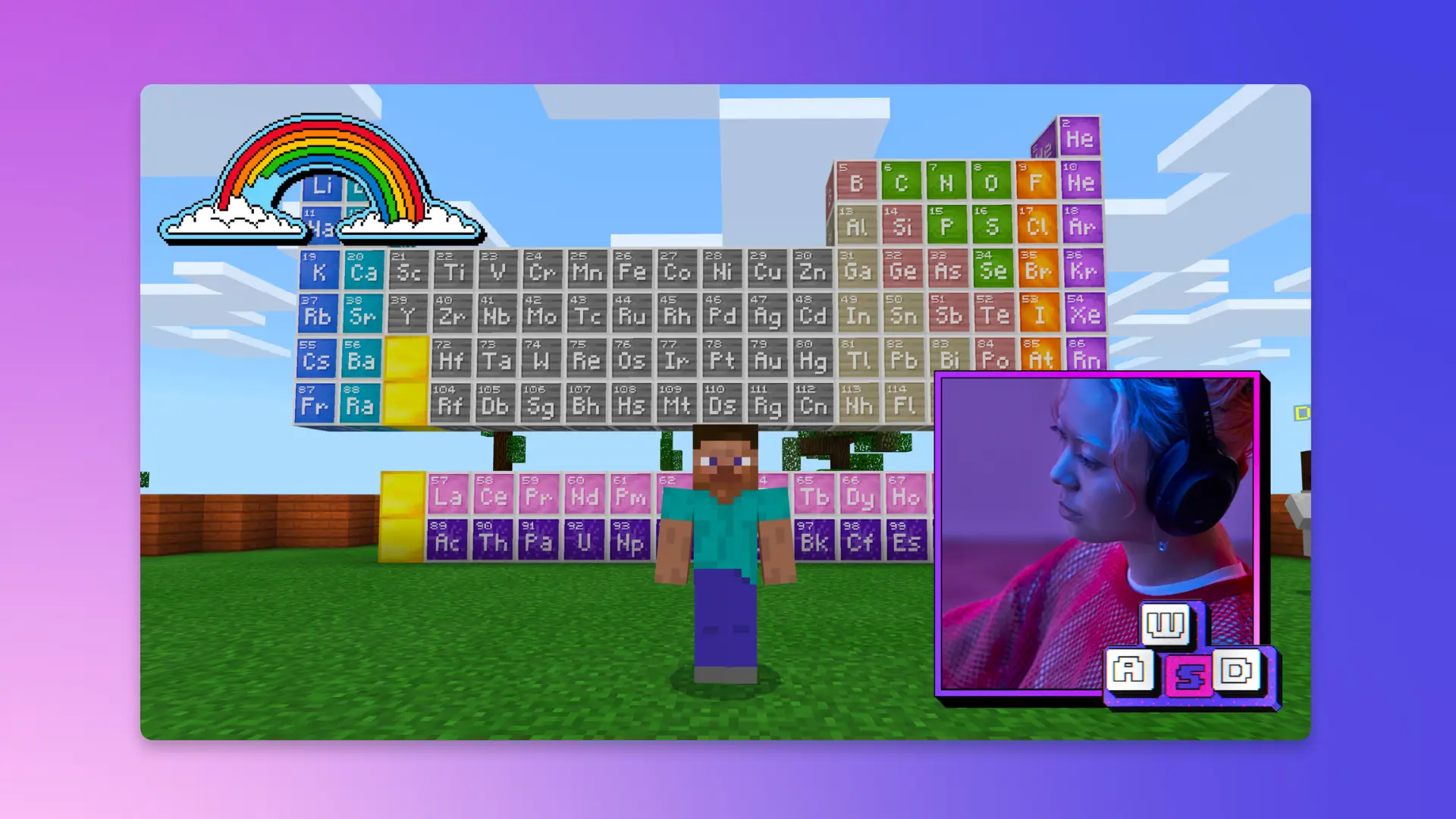
- Webcam: Adding a face cam can make your videos more engaging. Look for 1080p webcams that are affordable yet effective.
With these tools in hand, you’ll be well-equipped to start recording.
Recording Techniques
Capturing high-quality gameplay footage is crucial for producing engaging videos. Here are some best practices to follow:
- Optimize Your Settings: Before recording, ensure that your video settings are configured for optimal performance. For OBS, set the resolution to at least 1080p and the frame rate to 60 FPS for smooth gameplay.
- Use Game Mode: If you're on Windows, enable Game Mode to prioritize your gaming experience, which can help reduce lag and improve recording quality.
- Plan Your Content: Consider what you want to share in your gameplay. Whether it's a strategy guide or a playthrough, having a plan can keep your content focused and entertaining.
- Engage with Commentary: Talk through your gameplay! Engaging commentary can make your video more relatable and enjoyable for viewers.
By applying these techniques, you can elevate the quality of your gameplay recordings, ensuring they stand out among the vast library of content on platforms like YouTube.
Editing Your Videos
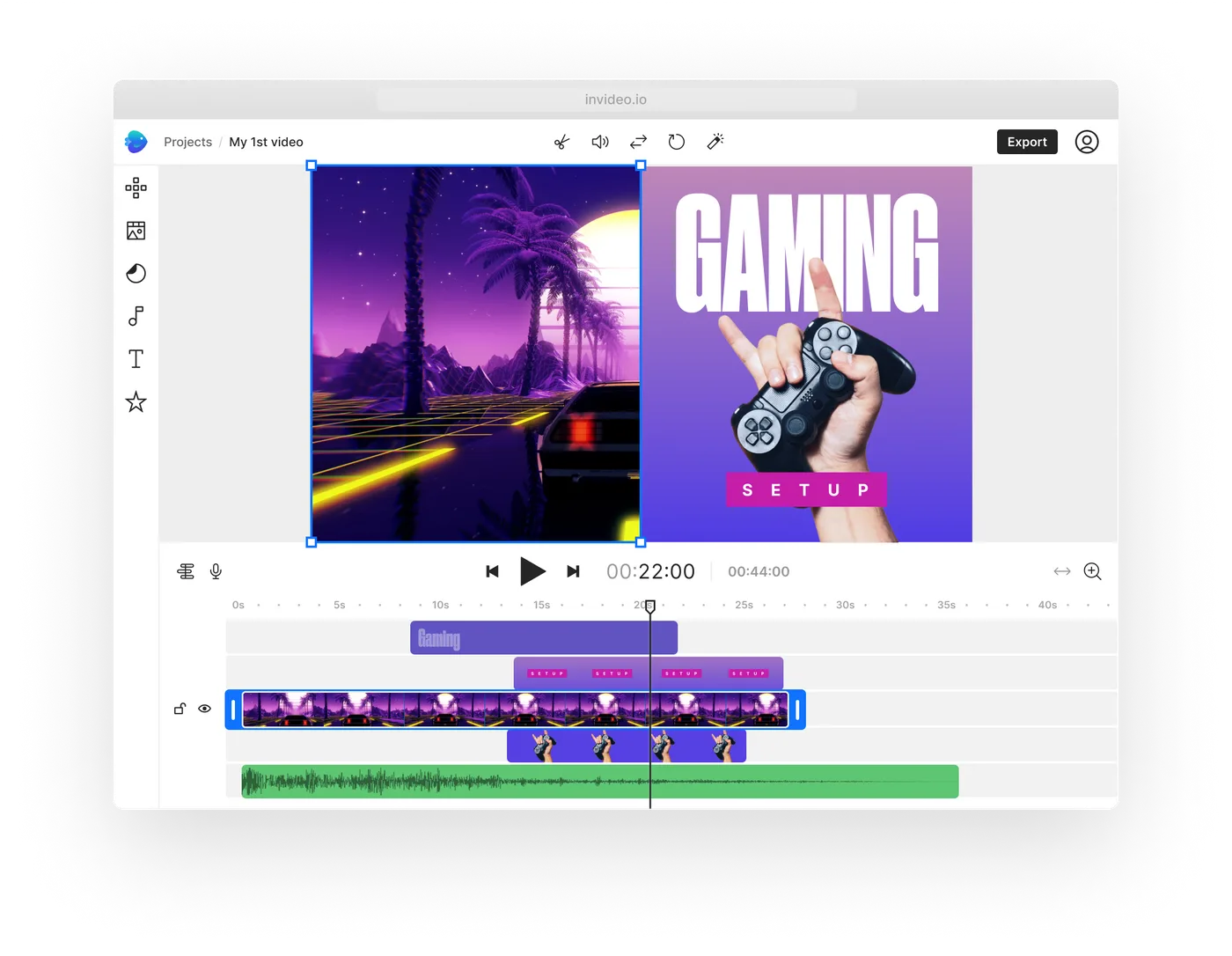
Editing is where your gameplay footage transforms into a polished final product. Here are some useful software options and tips for enhancing your videos:
- Video Editing Software:
- Adobe Premiere Pro: A powerful tool with robust editing features, ideal for creating professional-quality videos.
- Camtasia: This software is great for beginners, offering a user-friendly interface and helpful tutorials.
- Free Options: If you're looking for free alternatives, consider DaVinci Resolve or HitFilm Express.
- Editing Tips:
- Trim Unnecessary Footage: Keep your videos concise by cutting out parts that drag on or aren’t interesting.
- Add Engaging Elements: Incorporate effects, transitions, and music to keep viewers entertained. Just be careful not to overdo it!
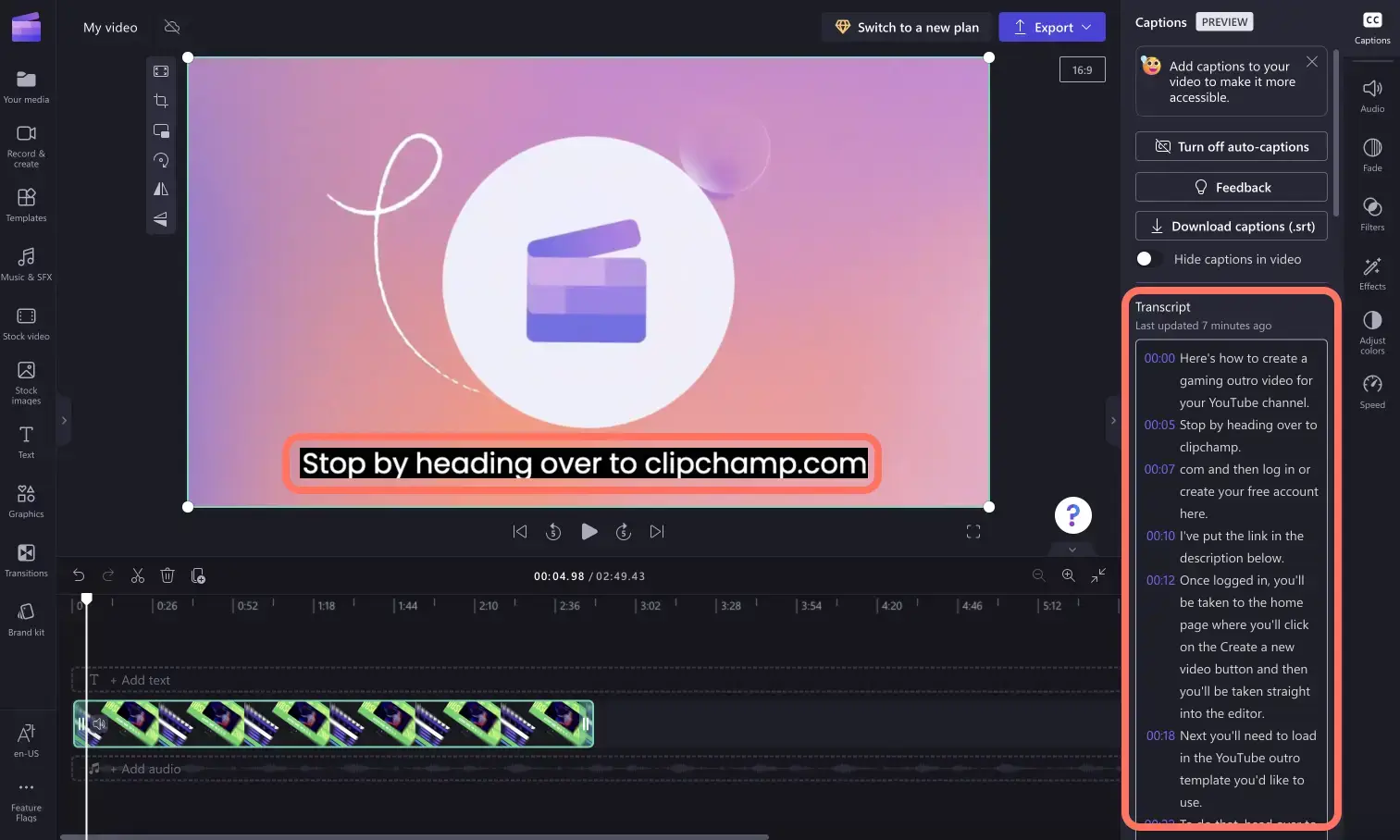
- Include Call to Actions: Encourage viewers to subscribe, like, or leave comments. This can significantly increase engagement.
Proper editing can significantly increase viewer retention rates, making your videos more successful on platforms like YouTube.
Uploading and Sharing
After editing, it's time to share your masterpiece with the world. Here’s how to upload your videos effectively:
- YouTube Upload Process: Log into your YouTube account, click the upload button, and follow the prompts to select your video file. Make sure to fill out the title, description, and tags.
- Optimization Tips:
- Use Keywords: Research and use relevant keywords in your title and description. This can significantly improve your video's discoverability.
- Custom Thumbnails: Create eye-catching thumbnails to attract viewers. A good thumbnail can increase your click-through rate.
- Engaging Descriptions: Write clear and engaging video descriptions that summarize your content and encourage viewers to watch.
With a strategic upload and optimization plan, your gameplay videos can reach a wider audience.
Promoting Your Gameplay Videos
To make the most of your videos, effective promotion is key. Here are some strategies tailored for the Malaysian gaming community:
- Leverage Social Media: Share your videos on platforms like Facebook, Instagram, and TikTok. Engage with local gaming communities to spread the word.
- Join Gaming Forums: Participate in forums and subreddits related to gaming in Malaysia. Share your videos where appropriate to attract viewers who share your interests.
- Collaborate with Other Gamers: Partnering with other content creators can help you reach new audiences. Consider co-streaming or guest appearances.
By employing these strategies, you can effectively market your gameplay videos and build an audience within the Malaysian gaming community.
FAQs
What software do I need to create gameplay videos?
You will need recording software like OBS Studio or a mobile app such as DU Recorder. Additionally, editing software like Adobe Premiere Pro or Camtasia will help enhance your videos.
Can I create gameplay videos on my phone?
Yes, many mobile apps allow you to record gameplay directly from your smartphone. Popular options include DU Recorder and Mobizen.
Creating gameplay videos is an exciting way to engage with the gaming community in Malaysia. By following these tips and utilizing the right tools, you can produce content that resonates with viewers and showcases your unique gaming style. Happy gaming!