Understanding Lag
Lag can be a gamer’s worst nightmare, turning an exhilarating gaming session into a frustrating experience. In simple terms, lag refers to the delay between a player’s action and the corresponding response in the game. This delay can manifest as choppy graphics, delayed inputs, or even sudden disconnections, all of which can significantly disrupt gameplay. Lag spikes are particularly troublesome, as they are sudden increases in lag that can occur at any moment, often leading to missed opportunities in competitive games.
In Malaysia, where gaming is rapidly growing in popularity, an estimated 80% of gamers have experienced lag spikes at some point. This not only affects the enjoyment but can also hinder performance in competitive settings. Understanding the causes of lag is the first step in mitigating its impact on your gaming experience.

Common Causes of Lag
Identifying the root causes of lag is crucial for any gamer looking to enhance their gaming experience. Here are some common factors that contribute to lag in games:
- Network Issues: A poor internet connection is often the primary culprit behind lag spikes. High ping times, unstable connections, and bandwidth limitations can all lead to delays.
- Hardware Limitations: Outdated or underpowered hardware can struggle to keep up with modern games, resulting in lower frame rates (FPS) and increased lag.
- Software Conflicts: Background applications consuming resources can interfere with gaming performance. This includes anything from antivirus scans to large downloads.
In Malaysia, many gamers rely on various internet service providers (ISPs), and the quality of service can vary significantly. Choosing a reliable ISP and understanding your hardware limitations can go a long way in reducing lag.
Solutions to Fix Lag
Fortunately, there are several actionable solutions that can help you reduce or eliminate lag spikes. Here are some effective strategies:
- Upgrade Your Internet Plan: If you frequently experience lag, consider upgrading your internet plan. Higher bandwidth will provide a more stable connection, which is crucial for online gaming.
- Use Wired Connections: While Wi-Fi is convenient, a wired Ethernet connection often provides better stability and speed, reducing the chances of lag spikes.
- Close Background Applications: Before launching your game, close unnecessary applications that might be using up bandwidth or CPU resources. This includes browser tabs, streaming services, and downloads.
- Update Drivers: Keeping your graphics card and network drivers updated can help improve gaming performance. NVIDIA users, for instance, should regularly check for driver updates to ensure optimal performance.
- Reduce Graphics Settings: Lowering in-game graphics settings can significantly boost FPS and reduce lag, especially on older hardware.
Implementing these strategies can lead to a noticeable improvement in your gaming experience, especially in fast-paced competitive games.

Optimizing Network Settings
To ensure a smooth gaming experience, optimizing your home network settings is essential. Here are steps to enhance your network performance:
- Router Placement: Place your router in a central location to ensure even coverage throughout your gaming area. Avoid placing it near thick walls or electronic devices that may cause interference.
- Quality of Service (QoS) Settings: Many modern routers, such as those from TP-Link, offer QoS settings. This feature allows you to prioritize gaming traffic over other types of data, reducing lag spikes during peak usage times.
- Change DNS Settings: Switching to a faster DNS server, such as Google DNS, can improve connection speeds and reduce lag. This is a simple adjustment that can yield significant benefits.
Proper network settings can reduce lag by up to 50%, making these adjustments well worth your time and effort.
Game-Specific Tips
Each game has its unique characteristics and settings that can be optimized for better performance. Here are tailored tips for some popular games in 2026:
- Call of Duty: Warzone: Lower the resolution scale and disable motion blur for better FPS. Additionally, setting the texture resolution to medium can help maintain performance without sacrificing too much visual fidelity.
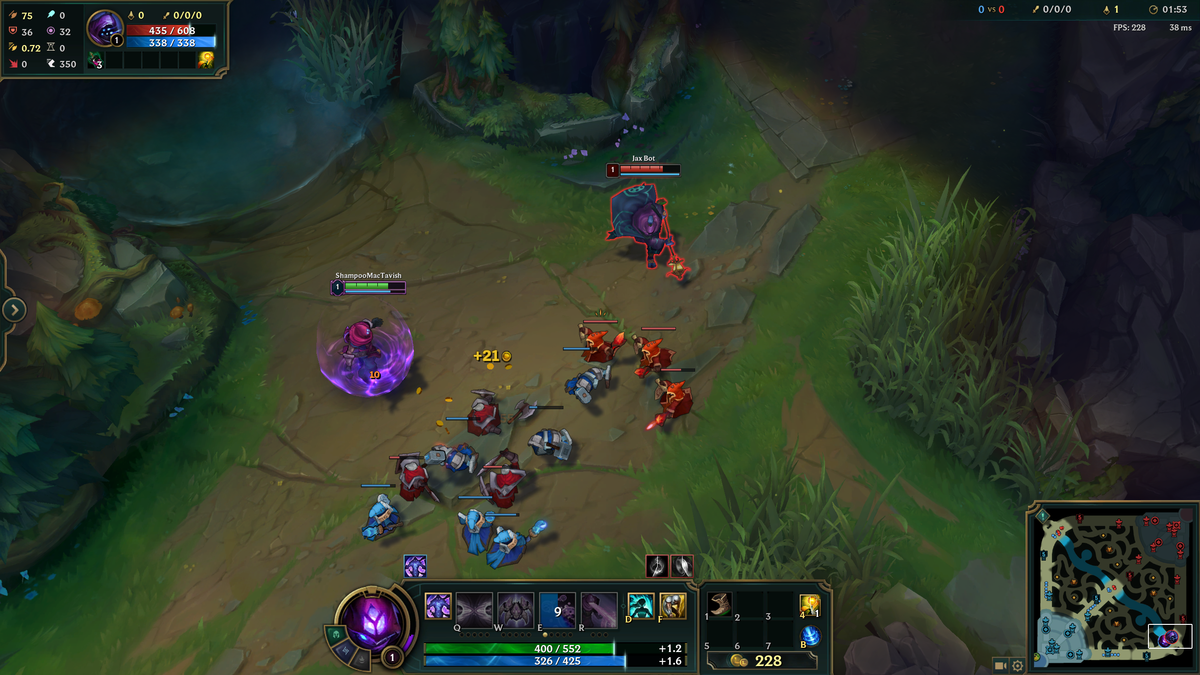
- League of Legends: Enabling the ‘Low Spec Mode’ can significantly improve performance on lower-end hardware. Also, consider reducing the number of game effects to minimize lag during intense moments.
- Fortnite: Use the ‘Performance Mode’ to optimize graphics settings for smoother gameplay. This mode significantly reduces the graphical load, allowing for higher FPS.
These game-specific optimizations can help you gain an edge, especially in competitive scenarios where every millisecond counts.
FAQs
What causes lag spikes in games?
Lag spikes can be caused by several factors, including poor internet connectivity, hardware limitations, background applications, or server issues. Understanding these causes can help you troubleshoot effectively.
How can I improve my gaming performance?
To improve gaming performance, consider upgrading your hardware, optimizing network settings, and adjusting game-specific settings. Regularly updating your drivers and closing background applications can also enhance performance.
By addressing these aspects, you can significantly reduce the occurrence of lag spikes, leading to a more enjoyable gaming experience. For Malaysian gamers, implementing these solutions can be particularly beneficial, ensuring that you can enjoy the latest games without interruption.