Common Issues with XAPK Installers
If you're part of the Malaysian gaming community, you might have encountered XAPK files while trying to enjoy your favorite mobile games. XAPK files are essentially APK files bundled with additional data, allowing for a smoother installation of complex apps. However, these files can sometimes lead to frustration, especially when your XAPK installer is not working. Let's explore some common issues that users face.
- Compatibility Issues: Not all XAPK installers support every version of Android. This can lead to installation failures, especially on devices running older operating systems.
- File Corruption: Downloading XAPK files from unreliable sources can result in corrupted files. This often manifests as errors during installation or the app not opening at all.
- Permission Errors: Many XAPK installers require specific permissions to function correctly. If these permissions are not granted, the installer might not work as intended.
- Device Storage: Insufficient storage space can prevent the installation of XAPK files, causing the process to fail.
As you can see, various factors can contribute to your XAPK installer not working. Identifying these issues is the first step towards resolving them.

How to Fix XAPK Installation Problems
Encountering issues with your XAPK installer can be a major roadblock in your gaming experience. Here are some troubleshooting steps to help you fix these problems effectively:
Step 1: Check Permissions
Ensure that the XAPK installer has the necessary permissions to operate. Head to your device's settings, find the application, and verify that it has access to storage and other relevant permissions.
Step 2: Verify the XAPK File
Before attempting installation, check if the XAPK file is corrupted. To do this, download the file from a reputable source, such as APKPure. Make sure that the file size matches what’s stated on the website.
Step 3: Clear App Data
If the XAPK installer still isn't working, try clearing the app data. This can help remove any cached files that might be causing the issue. Navigate to Settings > Apps > select your XAPK installer > Storage > Clear Data.
Step 4: Free Up Storage Space
Ensure that your device has sufficient storage space available. If you're running low on space, consider deleting unused apps or files. A general rule of thumb is to have at least 1-2 GB of free space for smooth installation processes.
Step 5: Update the XAPK Installer
Using an outdated version of an XAPK installer can lead to compatibility issues. Always download the latest version from a trusted source. This can help prevent installation failures and other issues.
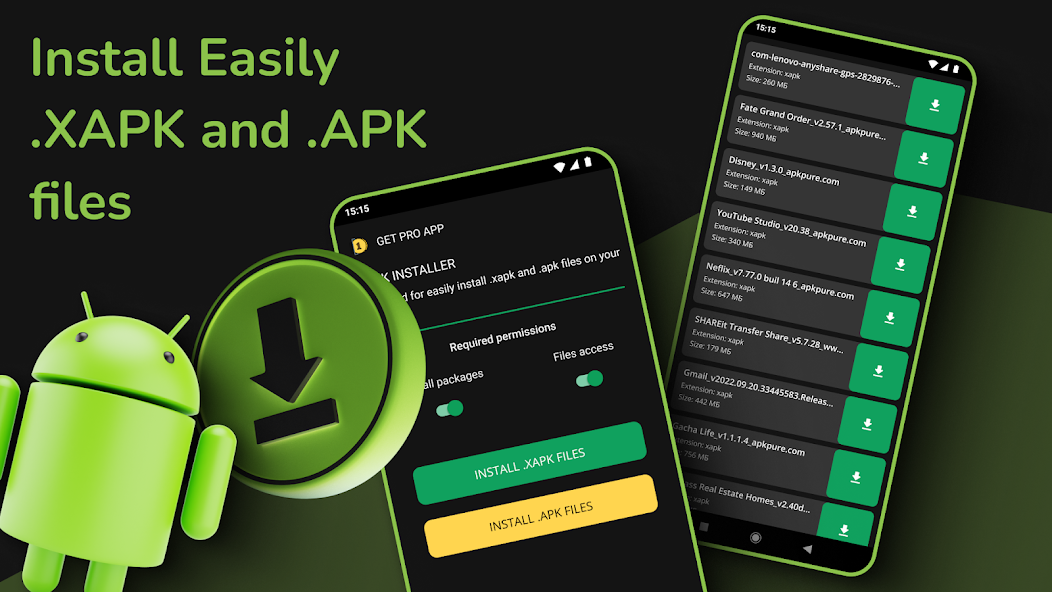
Alternative Solutions for XAPK Files
If you continue to face issues with your XAPK installer, don't worry—there are alternative methods to install XAPK files. Here are some solutions that can help you get back to gaming:
- Using APKPure: This platform offers a straightforward way to download and install XAPK files. It also provides an APK installer that can simplify the process even further.
- Manual Installation: If you're comfortable with it, you can manually extract the XAPK file. Use a file extraction tool to access the APK and the OBB data, then install the APK and move the OBB folder to the correct directory.
- Alternative Installers: Consider trying other XAPK installers like RAR or ZArchiver. These apps can help you manage and install your XAPK files without running into the same issues.
These alternatives can offer a more seamless experience, especially if you're encountering persistent issues with your current XAPK installer.
FAQs
What should I do if my XAPK installer is not working?
Start by checking the permissions, verifying the XAPK file for corruption, clearing app data, freeing up storage space, and ensuring that you are using the latest version of the XAPK installer. If problems persist, consider using alternative methods for installation.
Are there alternatives to XAPK installers?
Yes, there are several alternatives to XAPK installers. APKPure is a popular choice, and you can also manually extract XAPK files to install them or use different file management apps like RAR or ZArchiver for installation.
In the Malaysian gaming community, it's vital to have reliable methods for installing games, especially when dealing with XAPK files. By understanding common issues, troubleshooting effectively, and exploring alternative solutions, you can enhance your gaming experience. Embrace these tips in 2026 and keep your gaming adventures smooth and enjoyable!