Top 5 Ways to Fix Lag in Online Multiplayer Games in 2026
As the gaming community in Malaysia continues to grow, players are increasingly investing in online multiplayer experiences. However, one common issue that plagues gamers is lag. Lag can dramatically affect game performance and enjoyment, leading to frustration during crucial moments in competitive play. Understanding how to fix lag in online multiplayer games is essential for any Malaysian gamer looking to enhance their gaming experience. In this article, we’ll explore the top five ways to combat lag, ensuring a smoother online gaming adventure.
Understanding Lag
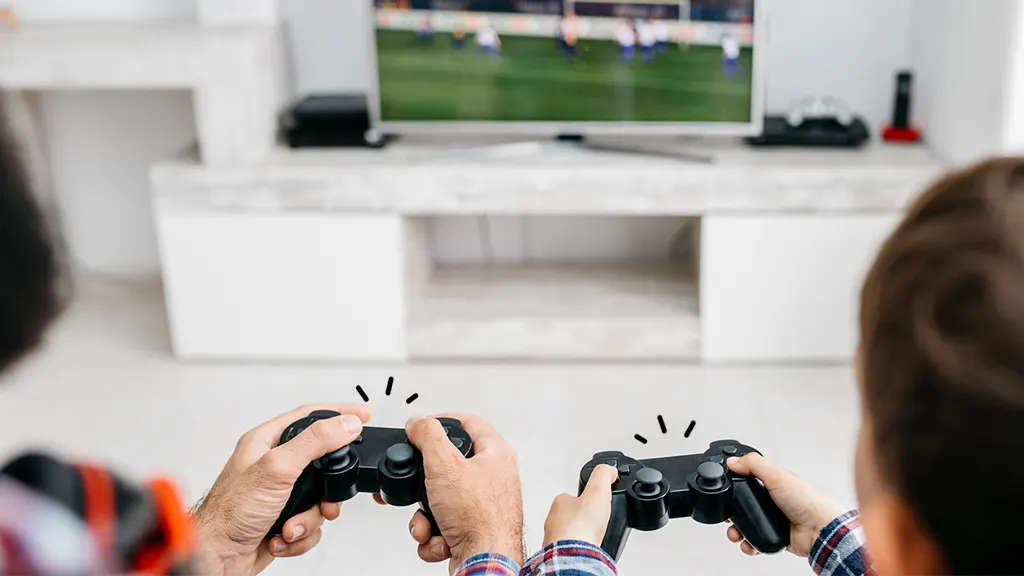
Lag refers to the delay between a player's action and the corresponding response in the game. This delay can manifest as choppy visuals, slow character responses, or even disconnects. For Malaysian gamers, lag can be particularly frustrating due to the increasing competitiveness of the gaming environment. The impact of lag is multifaceted; it can result in missed opportunities during gameplay, loss of competitive edge, and an overall negative gaming experience. Whether you're playing popular titles like Call of Duty or League of Legends, lag can hinder your performance and enjoyment.
Common Causes of Lag
Understanding the common causes of lag is the first step towards fixing it. Here are some key factors:
- High Ping: Ping is the time it takes for data to travel from your device to the game server and back. A high ping typically above 100ms can result in noticeable lag.
- Latency: Latency is similar to ping but can refer to various delays in the network, including processing delays and routing inefficiencies.
- Bandwidth Issues: Insufficient bandwidth can lead to lag, especially if multiple devices are using the same internet connection.

Settings to Change
In-game settings can significantly influence the performance of your gaming experience. Here are some adjustments you can make:
- Graphics Settings: Reducing graphics settings such as texture quality, shadows, and anti-aliasing can lead to improved performance. Lower graphics demands lead to less strain on your system, resulting in less lag.
- Frame Rate Limit: Setting a maximum frame rate can help maintain consistency and reduce spikes in lag, especially if your hardware struggles to keep up.
- Regional Server Selection: Always connect to the server closest to your geographical location. For Malaysian gamers, choosing a Southeast Asian server can significantly reduce ping and latency.
Hardware Recommendations
Sometimes, lag can stem from outdated or inadequate hardware. Here are some recommended upgrades for Malaysian gamers:
- Gaming Mouse: Investing in a high-quality gaming mouse like the Razer DeathAdder or Logitech G502 can improve precision and responsiveness, reducing perceived lag during play.
- Gaming Headset: A reliable headset can enhance communication with teammates, allowing for quicker reactions and strategies in team-based games.
- Upgrading Your PC: If your system struggles to run games smoothly, consider upgrading your graphics card or increasing RAM. Brands like MSI and ASUS offer excellent options for gamers looking to boost their performance.
Internet Connection Fixes
Your internet connection plays a crucial role in your gaming experience. Here are some tips to optimize your connection:
- Use a Wired Connection: A wired connection is generally more stable than Wi-Fi. Connecting your gaming device directly to your router can significantly reduce lag.
- Optimize Router Settings: Access your router settings and prioritize bandwidth for your gaming device. Features like Quality of Service (QoS) can help allocate more bandwidth to gaming, reducing lag.
- Upgrade Your Internet Plan: If you consistently experience lag, consider upgrading to a higher-speed internet plan that offers better bandwidth. Look for local ISPs that cater to gamers.
By implementing these optimization strategies, Malaysian gamers can enhance their online multiplayer experiences and reduce lag significantly.
Frequently Asked Questions
What causes lag in online multiplayer games?
Lag in online multiplayer games can be caused by a variety of factors, including high ping, latency issues, insufficient bandwidth, and poor hardware performance.
How can I reduce lag in games?
You can reduce lag in games by optimizing your internet connection, adjusting in-game settings, upgrading your hardware, and ensuring a direct wired connection to your router.
By understanding the causes and solutions for lag, Malaysian gamers can enjoy a more fluid and enjoyable gaming experience. With the right adjustments and investments, you can turn your gaming sessions into an exhilarating experience free from the frustrations of lag.