Top 5 Ways to Fix Game Crash Issues in 2026
In the dynamic world of gaming, one of the most frustrating experiences for Malaysian gamers is encountering game crashes. Whether you're in the midst of an intense esports match or casually exploring virtual worlds, a sudden crash can ruin the experience. In 2026, with the advancement of technology and gaming platforms, the reasons behind these crashes have evolved. In this article, we'll explore the common causes of game crashes, provide effective troubleshooting methods, and suggest preventative measures to ensure smoother gameplay.
Common Causes of Game Crashes
Understanding the root causes of game crashes is essential for any Malaysian gamer. In 2026, the primary reasons can be categorized into three main areas: hardware issues, software conflicts, and error codes. Let's take a closer look.
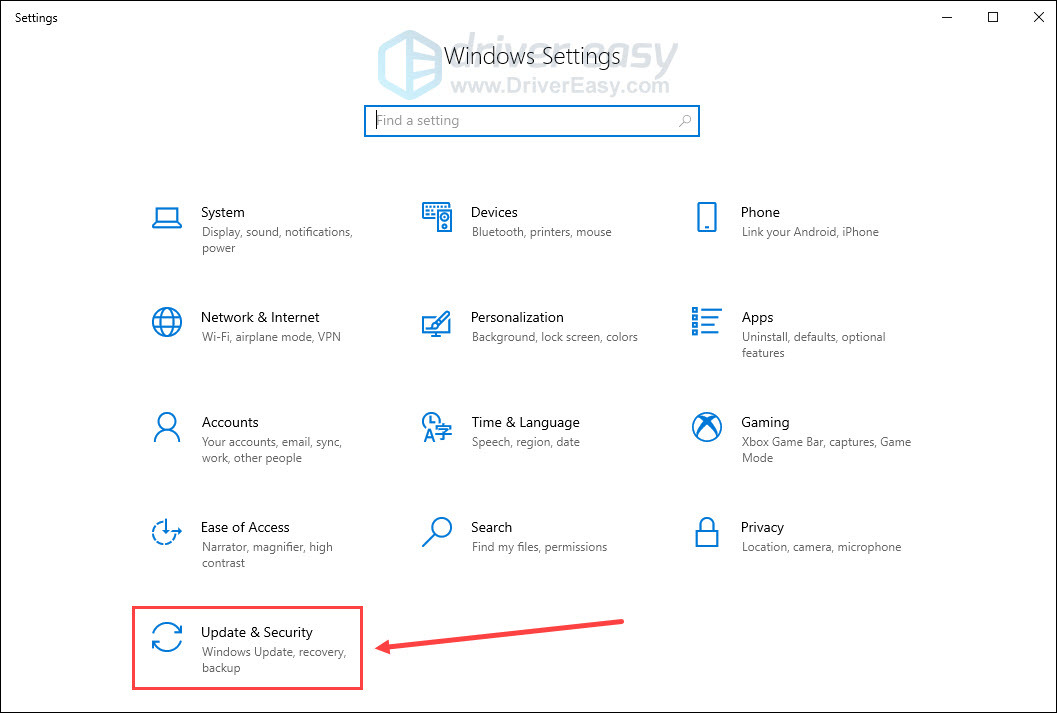
- Hardware Issues: Many gamers often overlook the physical components of their gaming rigs. Issues such as overheating GPUs, insufficient RAM, or failing hard drives account for approximately 30% of game crashes. Brands like NVIDIA and AMD have made significant strides in providing reliable hardware, but even the best systems can falter if not properly maintained.
- Software Conflicts: Over 70% of game crashes can be traced back to software conflicts. This includes outdated game files, incompatible mods, or other applications running in the background that interfere with game performance. Regular updates to your operating system and gaming software are crucial.
- Error Codes: Many games display error codes when crashes occur. Understanding these codes can provide insights into the problem. Common errors like 'Error 0xc0000005' often relate to memory access issues, while 'Error 0x887A0006' can indicate problems with DirectX. Familiarizing yourself with these codes can help in troubleshooting.
How to Fix Game Crashes
Once you've identified potential causes, the next step is to troubleshoot effectively. Here are some tried-and-true methods to fix game crash issues in 2026:
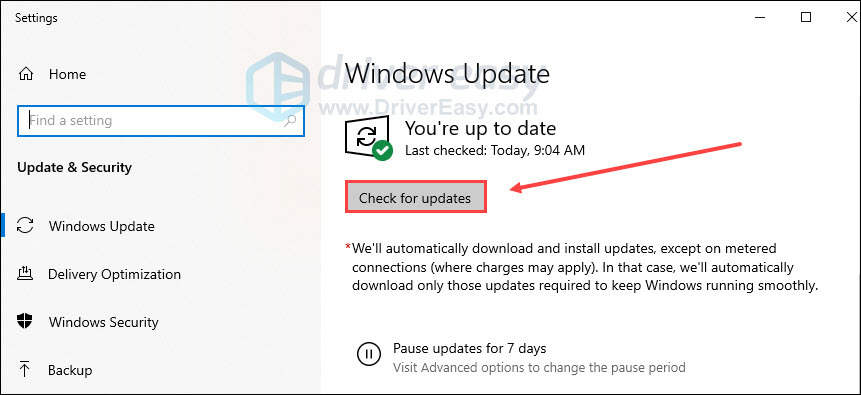
- Update Your Drivers: Keeping your graphics drivers up-to-date can reduce game crashes by 40%. For users with NVIDIA or AMD graphics cards, visit their official websites to download the latest drivers. Regular updates not only fix bugs but also improve game compatibility.
- Check System Requirements: Before launching a game, ensure your system meets the minimum requirements. This is especially important for new releases, which may demand more from your hardware than previous titles.
- Close Background Applications: Many gamers forget that applications running in the background can consume resources, leading to crashes. Before playing, close any unnecessary software, particularly resource-heavy applications like web browsers or streaming services.
- Verify Game Files: If you're using platforms like Steam or Epic Games, they often provide an option to verify the integrity of game files. This can resolve issues stemming from corrupted or missing files.
- Adjust Graphics Settings: Sometimes, reducing graphical settings can help stabilize games. If you're experiencing crashes frequently, try lowering settings such as resolution, texture quality, and anti-aliasing.
Preventative Measures
After addressing immediate issues, it's wise to consider long-term strategies to prevent future crashes. Here are some preventative measures tailored for the Malaysian gaming community:
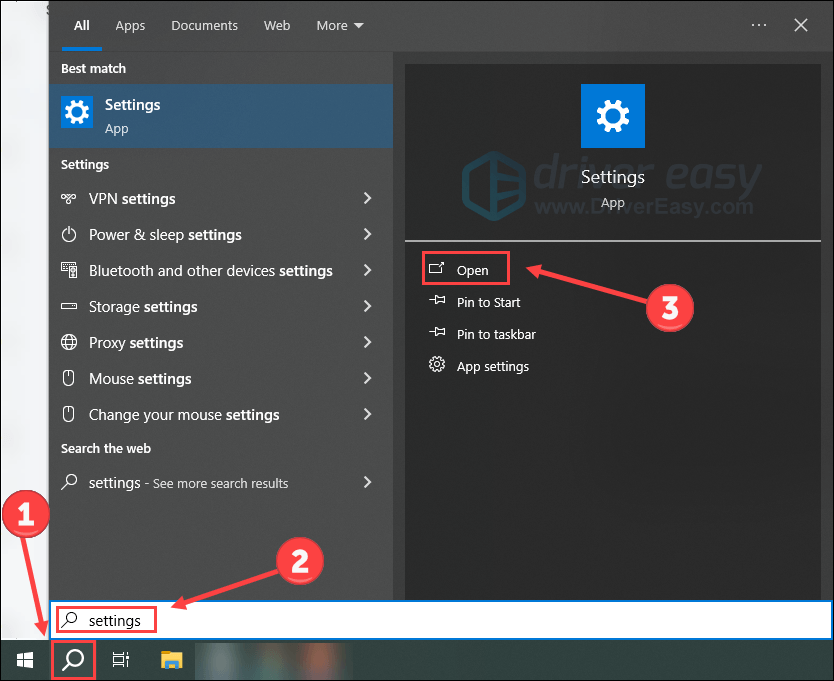
- Regular Maintenance: Schedule regular maintenance for your gaming rig. This includes cleaning dust from components, checking for hardware failures, and ensuring that all parts are functioning optimally.
- Optimize Your Network: For online games, a stable internet connection is crucial. Use wired connections instead of Wi-Fi when possible, and consider investing in a quality router to minimize lag and disconnections.
- Utilize Game Mode: Windows 10 and 11 offer a Game Mode feature that optimizes your PC for gaming. Activating this mode can help prioritize gaming performance, potentially reducing crashes.
- Stay Informed: Keep an eye on community forums and game-specific Discord channels. Often, fellow gamers share solutions for specific crashing issues related to particular games or updates.
- Backup Your Data: Regularly back up your saved games and settings. In case of crashes, having backups can save you from losing progress.
FAQs
What are the common reasons for game crashes?
Common reasons include hardware issues like overheating or insufficient memory, software conflicts from outdated drivers or incompatible mods, and specific error codes that indicate underlying problems.
How can I stop my game from crashing?
To prevent crashes, keep your drivers updated, ensure your system meets game requirements, close background applications, verify game files, and adjust graphics settings as necessary.
By understanding the causes and implementing the fixes and preventative measures outlined above, Malaysian gamers can significantly enhance their gaming experience in 2026. Remember, a stable gaming environment not only improves performance but also elevates the joy of gaming. Happy gaming!