Everything You Need to Know About Your 2026 Streaming Setup
As the gaming world continues to evolve, so does the landscape of streaming in Malaysia. With platforms like Twitch, YouTube, and Facebook Gaming booming in popularity, many gamers are eager to share their gaming experiences with a wider audience. Whether you're looking to entertain or educate, a well-thought-out streaming setup can make all the difference. This guide will provide you with everything you need to know about creating an impressive streaming setup in 2026.
Equipment Needed
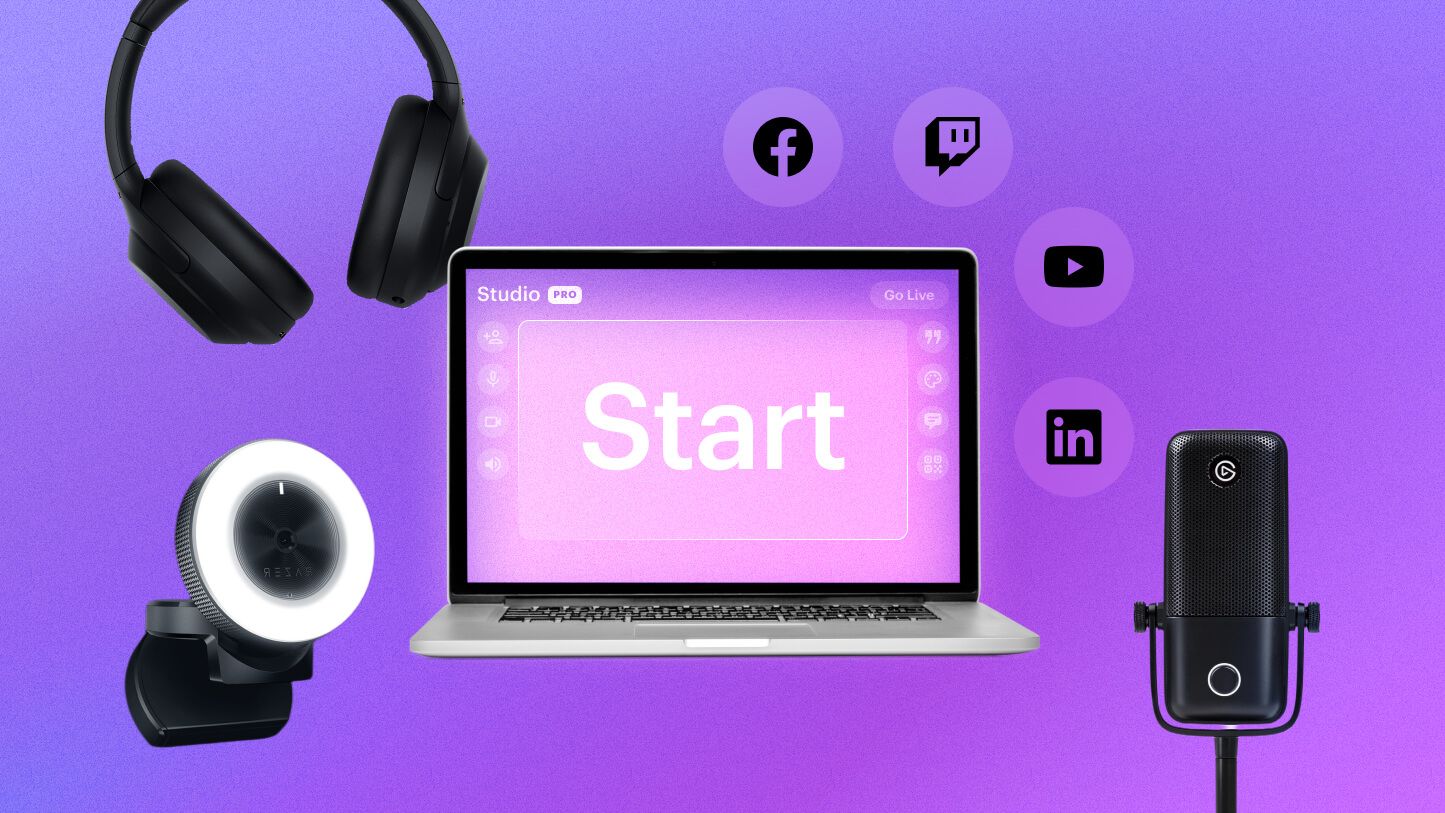
Before you hit that "Start Streaming" button, investing in the right equipment is crucial. The following gear is essential to set yourself up for success:
- Microphone: A dedicated microphone is one of the most important pieces of equipment for any streamer. Over 80% of streamers use a dedicated microphone to enhance audio quality, making it easier for viewers to engage with your content. Popular choices include the Blue Yeti and Razer Seiren.
- Camera: High-quality video can significantly improve viewer retention. Consider using a webcam like the Logitech C920 or a DSLR camera for a more professional look. Make sure your camera supports at least 1080p resolution for streaming.
- Capture Card: If you plan to stream console games, a capture card like Elgato HD60 S+ is essential. This device allows you to capture high-quality gameplay footage from your console.
- Lighting: Proper lighting can transform your streaming setup. Invest in softbox lights or ring lights to improve visibility and enhance the overall aesthetics of your stream.
- Streaming Device: A robust computer or gaming laptop is needed to handle the demands of streaming. Ensure your device has a decent CPU and GPU to avoid lag during your streams.
Here's an example of an effective streaming setup, showcasing the essential gear:
Setting Up Your Stream
Once you have your gear, it's time to set up your streaming environment. Follow these steps to ensure a smooth and professional broadcast:
- Choose the Right Location: Select a quiet area with minimal distractions. A dedicated space can help you maintain focus during your streams.
- Lighting: Position your lights in front of you, avoiding harsh shadows. Natural light can also enhance your stream, but be mindful of changing day conditions.
- Camera Placement: Position your camera at eye level to create a more engaging viewer experience. This helps in making your audience feel connected to you.
- Audio Setup: Use a pop filter and shock mount for your microphone to improve audio quality. Test your audio levels before going live to ensure clarity.
- Internet Requirements: A stable internet connection is crucial for streaming. Aim for a minimum upload speed of 5 Mbps; however, 10 Mbps or higher is recommended for higher quality streams.
Notice how the setup influences the overall quality of your stream. A well-lit area and a professional camera setup can significantly enhance viewer engagement.
Software Options
Choosing the right streaming software is just as important as your hardware. Here’s an overview of the most popular options:
- OBS Studio: Open Broadcaster Software (OBS) is a free and open-source streaming software that offers a wide range of features. Pros include customization options and zero cost; however, it may have a steeper learning curve for beginners.
- Streamlabs OBS: Streamlabs combines the functionality of OBS with user-friendly features and integrations. It is perfect for beginners but may require a subscription for advanced features.
- XSplit: This software is known for its ease of use and professional features. However, it comes with a subscription fee, which may not appeal to all streamers.
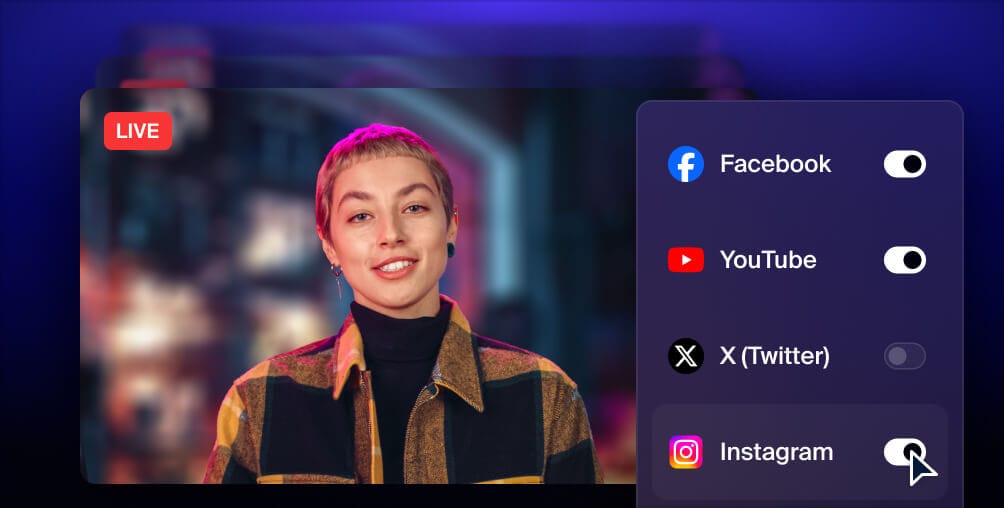
- Restream.io: If you want to reach multiple platforms simultaneously, Restream.io allows you to stream to several sites at once, including Twitch and YouTube but may require additional configuration.
The screenshot below shows a comparison of these software options and their features:

Tips for a Successful Stream
Now that you have your setup and software ready, it's essential to engage your viewers and build a community. Here are some best practices:
- Engagement: Interact with your viewers through chat. Responding to comments helps build a community around your stream and keeps your audience engaged.
- Consistency: Set a regular streaming schedule. Consistency helps viewers know when to tune in and fosters loyalty.
- Promotion: Use social media platforms to promote your streams. Create hype before going live and share highlights afterward to attract more viewers.
- Quality Content: Focus on delivering high-quality content. Whether it's gameplay, tutorials, or entertainment, prioritize what your audience enjoys.
- Stream Quality: Use at least a 720p resolution and a consistent framerate of 30 fps. Consider upgrading your internet connection if your streams lag.
Proper streaming quality can increase viewer retention by up to 50%, making it crucial for your success as a streamer.
Frequently Asked Questions
What do I need to start streaming?
To start streaming, you'll need a computer or gaming console, a reliable internet connection, a microphone, a camera, and streaming software. Investing in quality gear will enhance your streaming experience and viewer engagement.
How can I improve my streaming quality?
Improving streaming quality involves optimizing your internet connection, using high-quality audio and video equipment, and ensuring proper lighting. Regularly test your settings and gather feedback from viewers to refine your streaming approach.
With the right equipment, a solid setup, and engaging content, you can create a successful streaming experience tailored specifically for the Malaysian gaming community. Embrace the streaming revolution in 2026 and share your passion with the world!