Introduction
As the gaming landscape continues to evolve in 2026, the need for optimizing gaming laptop performance is more crucial than ever. With the rise of competitive gaming and immersive graphics, a well-tuned laptop can make the difference between victory and defeat. Whether you’re into fast-paced FPS games or sprawling RPGs, the right optimization techniques can enhance your gaming experience significantly.

In Malaysia, where gaming is a popular pastime, understanding how to maximize your machine's capabilities can lead to smoother gameplay, higher frame rates, and an overall better experience. This article outlines the essential methods for performance optimization that any gamer can implement.
Understanding Laptop Performance
Before diving into optimization techniques, it's vital to understand what constitutes laptop performance. Key elements include:
- CPU: The central processing unit is the brain of your laptop, influencing how fast processes run.
- GPU: The graphics processing unit is crucial for rendering high-quality visuals in games.
- RAM: Sufficient random access memory enables the system to handle multiple tasks without lag.
- Storage: The type and speed of your storage (HDD vs. SSD) affect load times and data retrieval.
Each of these components plays a significant role in your gaming experience. A bottleneck in any area can lead to decreased performance, making it essential to measure and optimize all aspects of your laptop.
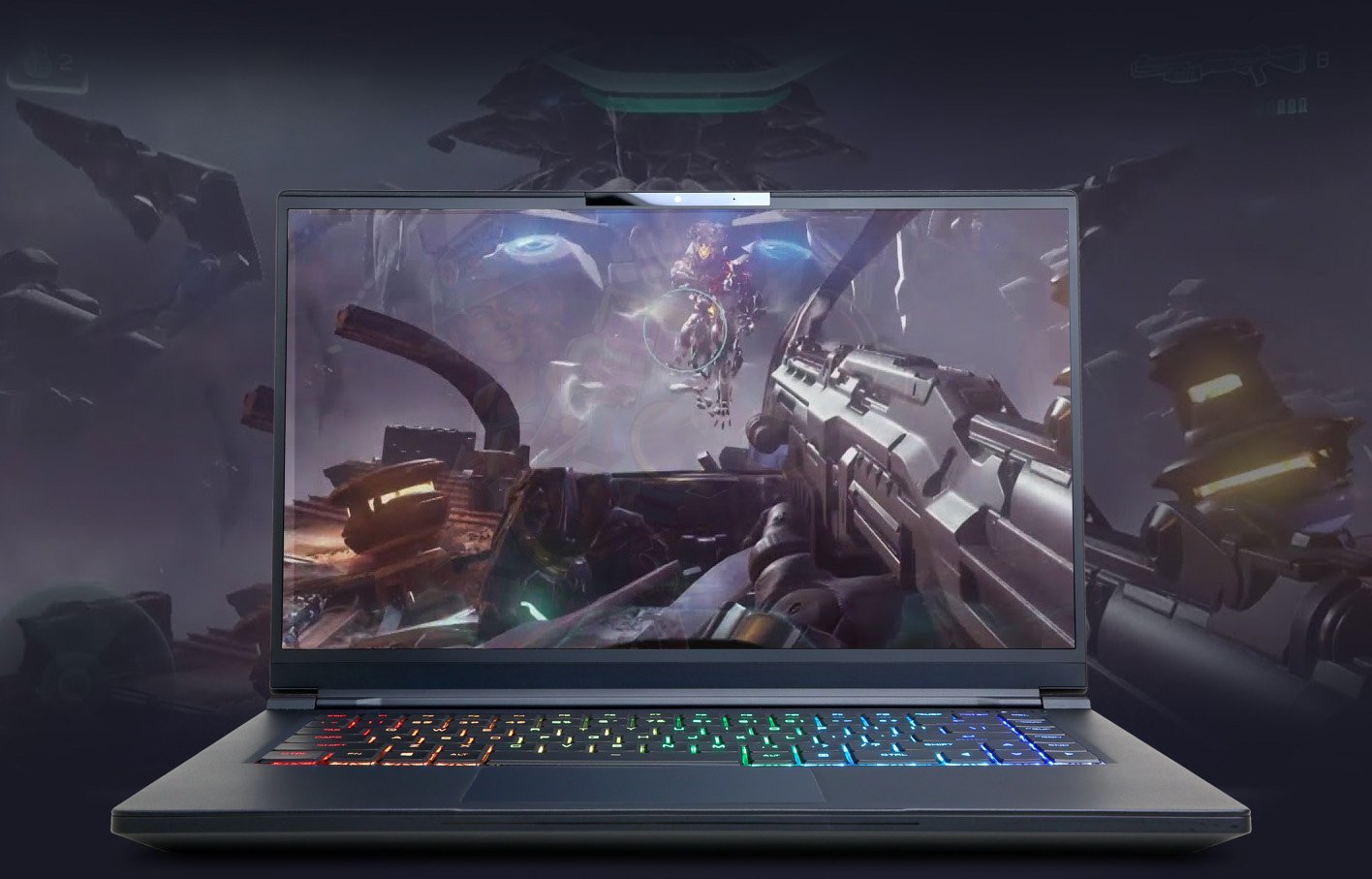
For Malaysian gamers, utilizing tools such as MSI Afterburner or HWMonitor can provide insights into your laptop's performance metrics. Keeping an eye on these figures ensures you can make informed decisions about optimization.
Optimization Techniques
With a clear understanding of performance metrics, the next step is to implement optimization techniques. Here are some software settings and configurations that can enhance gaming performance:
- Adjust Graphics Settings: Lowering in-game graphics settings can lead to higher frame rates. In demanding titles, consider reducing settings like shadows, textures, and anti-aliasing.
- Game Mode Activation: Windows 11 features a Game Mode that prioritizes CPU and GPU resources for gaming. Ensure this feature is activated.
- Background Applications: Close unnecessary applications when gaming. Use the Task Manager to end processes that are not required during gameplay.
- Overclocking: This involves pushing your CPU and GPU beyond their standard limits to achieve higher performance. While it can increase FPS by up to 30% in some games, caution is advised as it generates additional heat and can affect system stability.
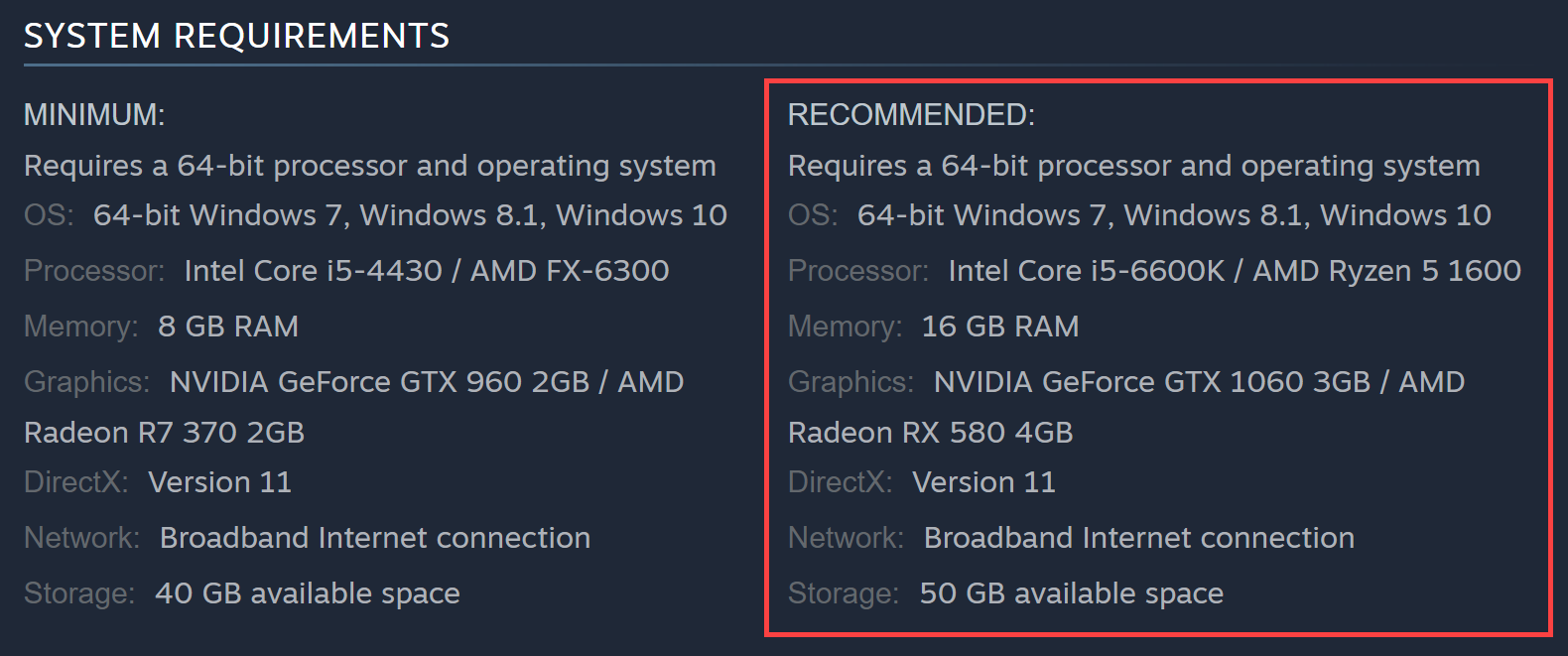
Utilizing software tools to adjust these settings can lead to a noticeable improvement in gaming performance. It's vital to test changes incrementally to find the right balance between visual fidelity and performance.
Hardware Upgrades
Sometimes, software optimizations aren't enough, and hardware upgrades become necessary. Here are a few modifications that can significantly boost your laptop’s gaming performance:
- Upgrade RAM: Increasing your RAM from 8GB to 16GB (or even 32GB) can help in multitasking and running more demanding games smoothly.
- Switch to an SSD: If your gaming laptop still uses an HDD, consider upgrading to an SSD. This change can reduce load times dramatically and enhance overall responsiveness.
- Cooling Solutions: Installing a cooling pad can help manage temperatures, especially during long gaming sessions. Keeping your laptop cool can prevent thermal throttling and maintain performance.
- External GPU (eGPU): For those with a compatible laptop, an eGPU can significantly enhance graphics performance, allowing you to play even the most demanding titles with ease.
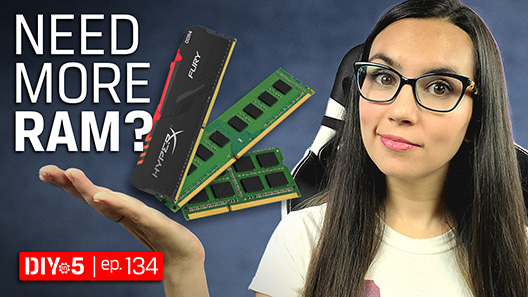
These upgrades not only improve gaming performance but also extend the lifespan of your laptop, making them a wise investment for serious gamers in Malaysia.
Maintenance Tips
Regular maintenance is vital in ensuring your gaming laptop runs smoothly. Here are some essential tips:
- Regular Cleaning: Dust accumulation can hinder performance. Regular cleaning can enhance laptop performance by up to 20%. Use compressed air to clean vents and fans.
- Software Updates: Keep your operating system and drivers updated. New drivers can resolve bugs and improve performance in the latest games.
- Monitor Temperatures: Use software to check temperature levels. If your laptop runs too hot, consider improving ventilation or using a cooling pad.
- Disk Cleanup: Regularly removing unnecessary files can free up space and improve load times. Use built-in tools like Disk Cleanup or third-party software.

By adhering to these maintenance strategies, you can keep your gaming laptop in top condition, ensuring it performs optimally for years to come.
Conclusion
Optimizing your gaming laptop's performance in 2026 is vital for enhancing your gaming experience. By understanding the components that contribute to performance, implementing software and hardware optimizations, and maintaining your device, you can unlock its full potential. Whether you’re competing in local tournaments or enjoying casual gaming sessions, these tips will help you achieve a smoother, more enjoyable experience.
Now that you have the knowledge, it's time to take action. Start implementing these strategies today and elevate your gaming experience to new heights!