Introduction
In 2026, the gaming landscape in Malaysia is vibrant and ever-evolving, with mobile gaming at the forefront of this revolution. One of the key elements that has emerged is the use of XAPK files, which are essential for distributing Android applications, especially games that require additional data files to function correctly. Unlike standard APK files, XAPK files bundle the APK and its OBB data, making installation smoother for users. However, like any technology, they come with their own set of challenges.
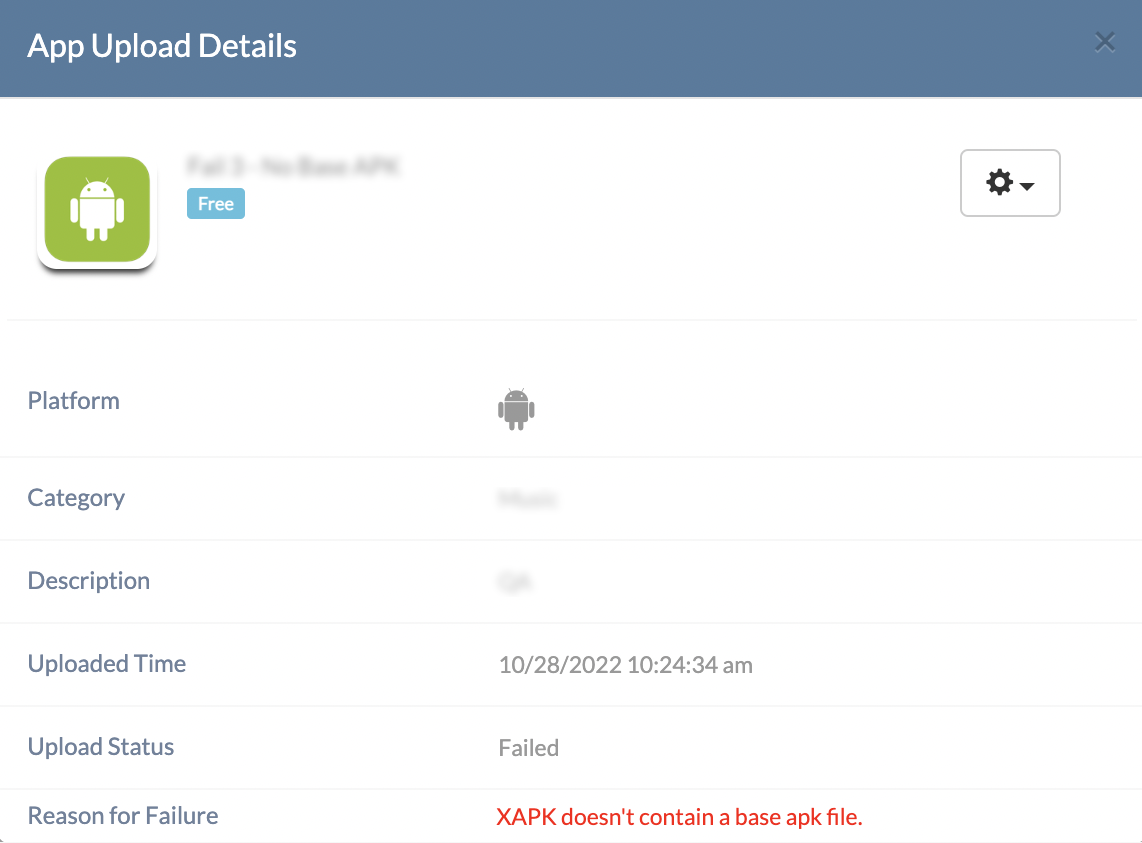
For gamers in Malaysia, troubleshooting XAPK file errors has become a necessary skill. Whether you're trying to install the latest mobile title or an indie game, encountering issues can be frustrating. This guide will walk you through common errors and provide practical solutions, ensuring you can get back to gaming without unnecessary delays.
Common Errors
When dealing with XAPK files, several error messages may pop up during installation. Here are some of the most common issues you might encounter:
- Installation Failed: This is perhaps the most frequent error. It may occur if the XAPK file is not downloaded correctly or if the required app is not installed.
- Corrupted File: Sometimes, the XAPK file may get corrupted during the download process, leading to installation failures.
- Insufficient Storage: If your device lacks adequate storage space, you may receive an error message preventing the installation from proceeding.
- Incompatible Version: If the XAPK file is not compatible with your device's Android version, you will encounter compatibility issues.
- Unknown Sources Disabled: If you haven't enabled the installation from unknown sources in your device settings, you will be blocked from installing XAPK files.
Solutions
Now that we've covered common errors, let's look at step-by-step solutions to address each issue effectively.
1. Installation Failed
To resolve this issue:
- Ensure that you have the correct app already installed. Some XAPK files require the base APK to be present first.
- Double-check the download source to ensure you’re downloading a complete and legitimate XAPK file.
- Try redownloading the file, as a corrupted download could be the culprit.
2. Corrupted File
If you suspect the XAPK file is corrupted:
- Delete the existing file and redownload it from a reputable source.
- Use a file manager to check the integrity of the download; sometimes, the file size can indicate corruption.
3. Insufficient Storage
To free up space on your device:
- Uninstall unused applications and games that are taking up space.
- Clear cache data from apps through your device settings.
- Move photos, videos, and other media files to a cloud service or external storage.
4. Incompatible Version
If you encounter version compatibility issues:
- Check the minimum Android version required for the XAPK file and compare it with your device's current version.
- Consider updating your device’s operating system if you are running an outdated version.
- If the XAPK is meant for a newer version, look for an alternative version compatible with your device.
5. Unknown Sources Disabled
To enable installations from unknown sources:
- Go to your device’s Settings.
- Navigate to Security or Privacy settings.
- Find the option for Unknown Sources and toggle it on to allow installations from third-party sources.
FAQs
What is an XAPK file?
An XAPK file is a package file format that contains an APK file, which is the standard format for Android applications, along with additional data files (OBB files) that some applications require to function properly. This format helps streamline the installation process, especially for larger games that need extra resources.
What are common issues with XAPK files?
Common issues with XAPK files include installation failures, corrupted files, insufficient storage space, version incompatibilities, and the need to enable installations from unknown sources. Addressing these issues typically involves checking the file integrity, ensuring adequate storage, and adjusting device settings.
As the Malaysian gaming community continues to grow, understanding how to troubleshoot XAPK file errors is essential for a seamless gaming experience. With the right knowledge and steps, gamers can promptly resolve issues and dive back into their favourite titles without hassle. Remember, the key to enjoying mobile games lies not just in playing, but also in mastering the technical aspects that come with it!