Understanding Lag
For gamers in Malaysia, one of the most frustrating experiences is lag during online gaming. Lag refers to the delay that occurs between a player's actions and the game's response. This can significantly impact your gaming performance, leading to missed shots in first-person shooters or delayed movements in real-time strategy games. It's essential to differentiate lag from ping; while lag is the overall delay in gameplay, ping measures the time it takes for data to travel from your device to the game server and back. A high ping can contribute to lag, but they are not the same thing.

In Malaysia, where internet speeds can vary, understanding the factors that contribute to lag is crucial for an enjoyable gaming experience. Typical causes include network congestion, poor connection quality, and even the hardware you are using. By addressing these issues, you can significantly enhance your gaming performance and enjoy a smoother experience.
Tips to Reduce Lag
Reducing lag while gaming online requires a combination of setting adjustments and behavioral changes. Here are some actionable tips to help you optimize your gaming experience:
- Use a Wired Connection: Connecting your gaming device directly to your router using an Ethernet cable can reduce lag significantly compared to a wireless connection.
- Close Background Applications: Ensure that other applications running in the background are closed. Programs like file-sharing services or streaming apps can consume bandwidth and increase lag.
- Adjust In-Game Settings: Lowering graphics settings can lead to a smoother gaming experience. If your game allows, consider reducing details like shadows and textures.
- Optimize Router Settings: Access your router settings and prioritize gaming traffic. Many routers have Quality of Service (QoS) features that allow you to allocate bandwidth to your gaming device.
- Choose Local Servers: When possible, select game servers that are geographically closer to you. This will reduce the travel time for data packets, lowering your ping and lag.
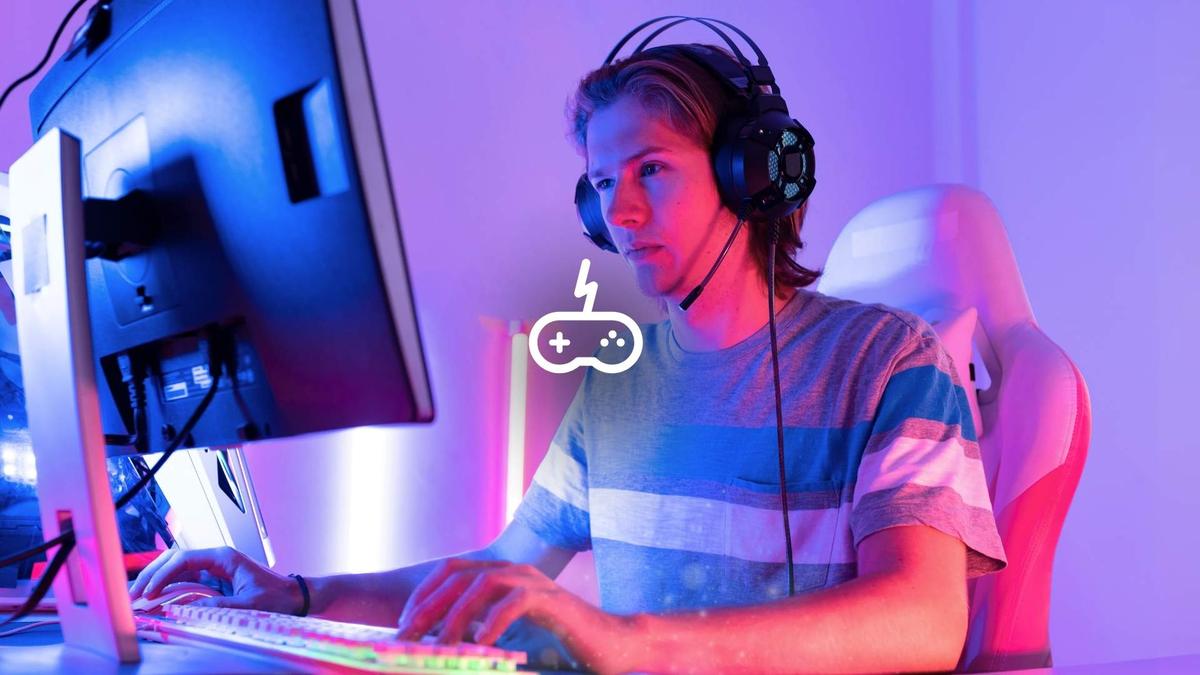
By implementing these tips, you can greatly improve your gaming performance and enjoy a more responsive gaming environment.
Hardware Recommendations
Upgrading your hardware can also make a significant difference in reducing lag. Here are some recommended products from trusted brands that can enhance your gaming experience:
- Netgear Nighthawk XR500: This gaming router offers advanced QoS features and a robust connection, perfect for reducing lag during intense gaming sessions.
- TP-Link Archer AX6000: With its dual-band capabilities and high-speed performance, this router ensures minimal lag even when multiple devices are connected.
- Asus ROG Rapture GT-AX11000: Designed for gamers, this router focuses on optimizing gaming traffic and offers excellent features to reduce lag.
- Razer Viper Ultimate: This gaming mouse is designed for precision and speed, ensuring your inputs are registered instantly, which can help reduce perceived lag.

Investing in quality hardware can lead to a more stable connection, which is essential for minimizing lag and enhancing your overall gaming experience.
Software Solutions
In addition to hardware upgrades, software adjustments can play a significant role in optimizing your gaming setup. Here are some solutions to consider:
- Update Your Drivers: Ensure that your network drivers and gaming software are up to date. Manufacturers frequently release updates that can improve performance and reduce lag.
- Use a Gaming VPN: A reputable gaming VPN can sometimes reduce lag by providing a more direct route to the gaming server. However, choose a VPN that specializes in gaming to avoid additional latency.
- Configure QoS Settings: Many routers allow you to set QoS rules that prioritize gaming traffic over other types of internet traffic. This can help maintain a stable connection during gameplay.

Implementing these software solutions can complement your hardware upgrades, leading to a more optimized gaming setup that effectively reduces lag.
FAQs
What causes lag while gaming online?
Lag can be caused by several factors, including poor internet connection, high ping rates, network congestion, and inadequate hardware. It’s crucial to identify the root cause to effectively reduce lag during gameplay.
How can I reduce ping while gaming?
To reduce ping, you can connect to a closer game server, use a wired connection instead of Wi-Fi, close background applications, and optimize your router settings. Additionally, upgrading your internet plan and hardware can also help improve your overall ping.
By understanding lag and implementing these tips, gamers in Malaysia can significantly enhance their online gaming experience in 2026. Whether it’s tweaking settings, upgrading hardware, or utilizing software solutions, every step taken can lead to a more responsive and enjoyable gaming journey.