Understanding Ping
In the realm of online gaming, "ping" is a term that every gamer in Malaysia should familiarize themselves with. Simply put, ping measures the time it takes for data to travel from your device to a game server and back, usually expressed in milliseconds (ms). This measurement plays a vital role in determining the quality of your gaming experience. A ping below 50ms is considered optimal, providing a smooth and responsive gameplay experience. Conversely, a high ping can lead to noticeable delays, often referred to as latency, which can severely impact your performance in competitive games.

Factors Affecting Ping
Multiple factors can influence your ping levels, and understanding them can help you strategize on how to improve. Here are some key elements to consider:
- Distance from Server: The physical distance between your device and the game server is a significant determinant of ping. The further away the server, the longer it takes for data to travel, resulting in higher ping.
- ISP Performance: Your Internet Service Provider (ISP) plays a crucial role in your online gaming experience. Some ISPs may have better infrastructure or routing paths to game servers, resulting in lower ping.
- Network Congestion: During peak hours, your local network may experience congestion, especially if multiple devices are connected and using bandwidth. This can lead to increased latency.

Tips to Improve Ping
Improving your ping is essential for a competitive edge in online gaming. Here are some actionable strategies that gamers in Malaysia can implement:
- Use a Wired Connection: Switching from Wi-Fi to a wired Ethernet connection can dramatically reduce latency. Wired connections are generally more stable and less prone to interference.
- Optimize Your Router Settings: Invest time in optimizing your gaming router settings. Enable Quality of Service (QoS) to prioritize gaming traffic over other types of data.
- Close Background Applications: Ensure that other applications are not consuming your bandwidth while gaming. Close programs that may be downloading updates or streaming content in the background.
- Change DNS Settings: Switching to a faster DNS service, like Google DNS or Cloudflare, can help reduce ping by speeding up the resolution of game server addresses.
- Limit Connected Devices: The more devices connected to your network, the more bandwidth is consumed. Limiting the number of connected devices during gaming sessions can free up bandwidth.
Recommended Tools and Settings
To further enhance your gaming experience, consider using the following tools and settings that can help improve ping:
- Gaming Routers: Investing in a gaming router specifically designed to reduce latency can be beneficial. These routers often come with features that prioritize gaming traffic.
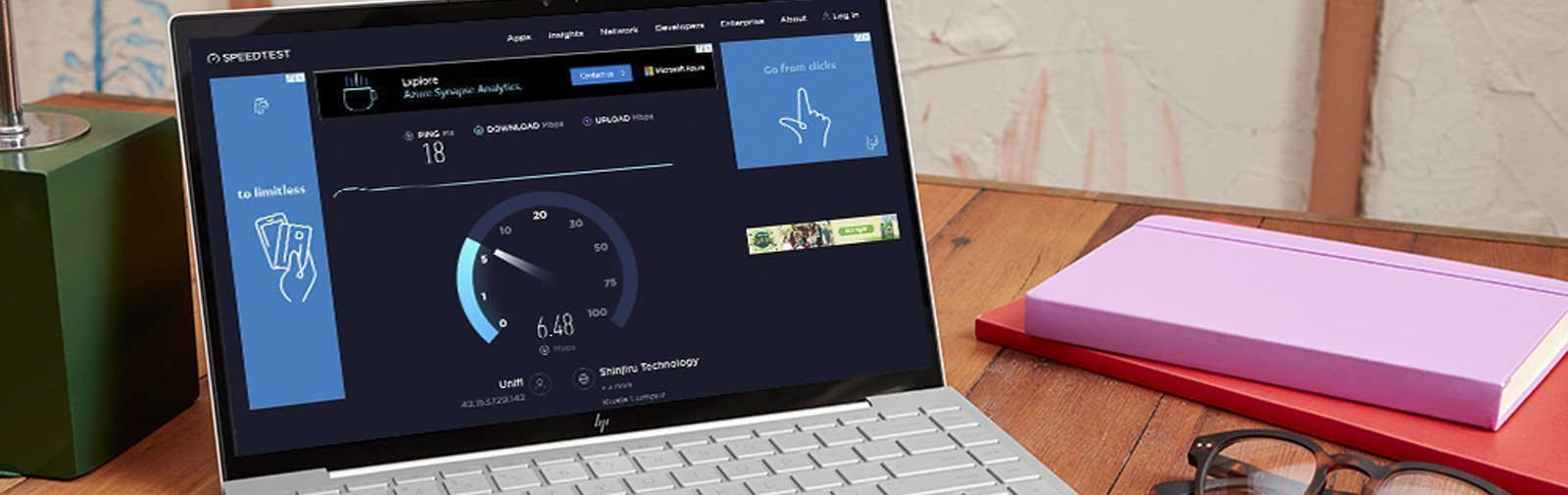
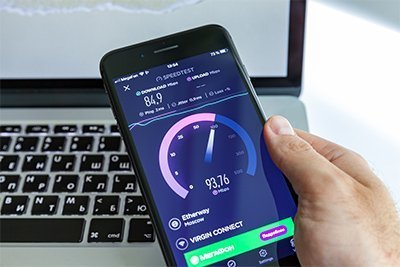
- Ping Test Tools: Utilize ping test tools such as Speedtest.net or PingTest.net to regularly check your ping and latency. This can help track improvements over time.
- VPNs: Certain VPNs can optimize gaming latency by providing a more direct route to game servers. However, not all VPNs are created equal; make sure to choose one that is reputable and specifically geared towards gaming.
Best ISPs for Gaming in Malaysia
Choosing the right ISP can significantly affect your gaming experience. Here’s a look at some of the best ISPs for gaming in Malaysia based on their performance:
- TM Unifi: Known for its reliable fiber optic connections, TM Unifi provides consistent speeds and low latency, making it a top choice for gamers.
- Maxis: Maxis offers competitive packages with high-speed internet that caters well to gamers, particularly those who prioritize low ping.
- Digi: Digi has been making strides in the gaming community with their dedicated gaming packages that offer lower latency.
- Celcom: With a focus on enhancing their network infrastructure, Celcom has become a viable option for competitive gamers.

FAQ
What causes high ping?
High ping can be caused by various factors, including a poor internet connection, distance to the game server, network congestion, and interference from other devices on the same network. Additionally, using Wi-Fi instead of a wired connection can also contribute to higher latency.
Can a VPN help reduce ping?
Yes, certain VPNs can help reduce ping by providing a more direct route to game servers. This is particularly true if your ISP has poor routing to the game server. However, not all VPNs will lower your ping, so it's essential to select a gaming-friendly VPN that focuses on speed and reliability.
Improving your ping for online gaming in Malaysia involves understanding the factors that influence it, implementing effective strategies, utilizing the right tools, and choosing the best ISP. By following these guidelines, you can enhance your gaming experience and enjoy seamless gameplay.