Introduction
In the vibrant Malaysian gaming community, APKs (Android Package Kits) have gained immense popularity among gamers seeking to access a wider array of games, mods, and applications beyond what’s available on the Google Play Store. However, with great freedom comes great responsibility. The ability to download and install APKs can enhance your gaming experience, but it also introduces significant risks. This article will explore how to safely download APKs for gaming in 2026, ensuring that your device remains secure while you enjoy gaming to its fullest.

Risks of Downloading APKs
While the allure of APKs is undeniable, it's crucial to understand the potential dangers that come with downloading them from unverified sources. Here are some of the key risks:
- Malware: One of the most significant threats is the presence of malware, which can compromise your device's security, steal personal information, or even render your device unusable. Downloading APKs from unknown sources increases the risk of encountering malicious software.
- Legal Issues: Some APKs may offer pirated versions of games and applications. Downloading such content can lead to legal consequences, including fines or penalties.
- Device Security: Installing APKs can disable certain security features on your Android device, leaving it vulnerable to attacks. If the APK is not from a trusted source, it may introduce vulnerabilities that could be exploited.
How to Download APKs Safely
To enjoy the benefits of APKs while minimizing risks, follow these essential steps to ensure safe downloads:
- Verify Sources: Only download APKs from reputable websites such as APKPure or APKMirror, which have a solid reputation for providing safe and verified files.
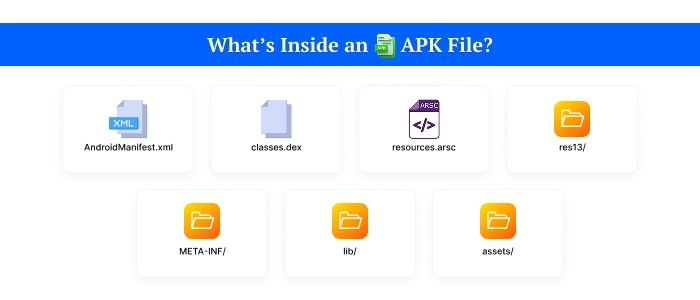
- Check APK Integrity: Many trusted sources provide hash values (like MD5 or SHA-256) for their APK files. You can verify the integrity of the downloaded APK by comparing its hash value to the one provided on the website. This step helps ensure that the file has not been tampered with.
- Use Antivirus Software: Install reputable antivirus software on your device to scan APK files before installation. This adds a layer of protection against potential threats.
Best Sources
Here are some of the most reputable websites for downloading APKs safely:
- APKPure: A well-known platform that offers a vast library of APKs, all of which are verified for safety.
- APKMirror: Another reliable source that provides APKs with detailed information about version history and updates, ensuring you download the most suitable version.
- F-Droid: This is an open-source platform that focuses on free and open-source applications, making it a great choice for those who prioritize transparency.

Installation Instructions
Once you’ve safely downloaded an APK, follow these steps to install it on your Android device:
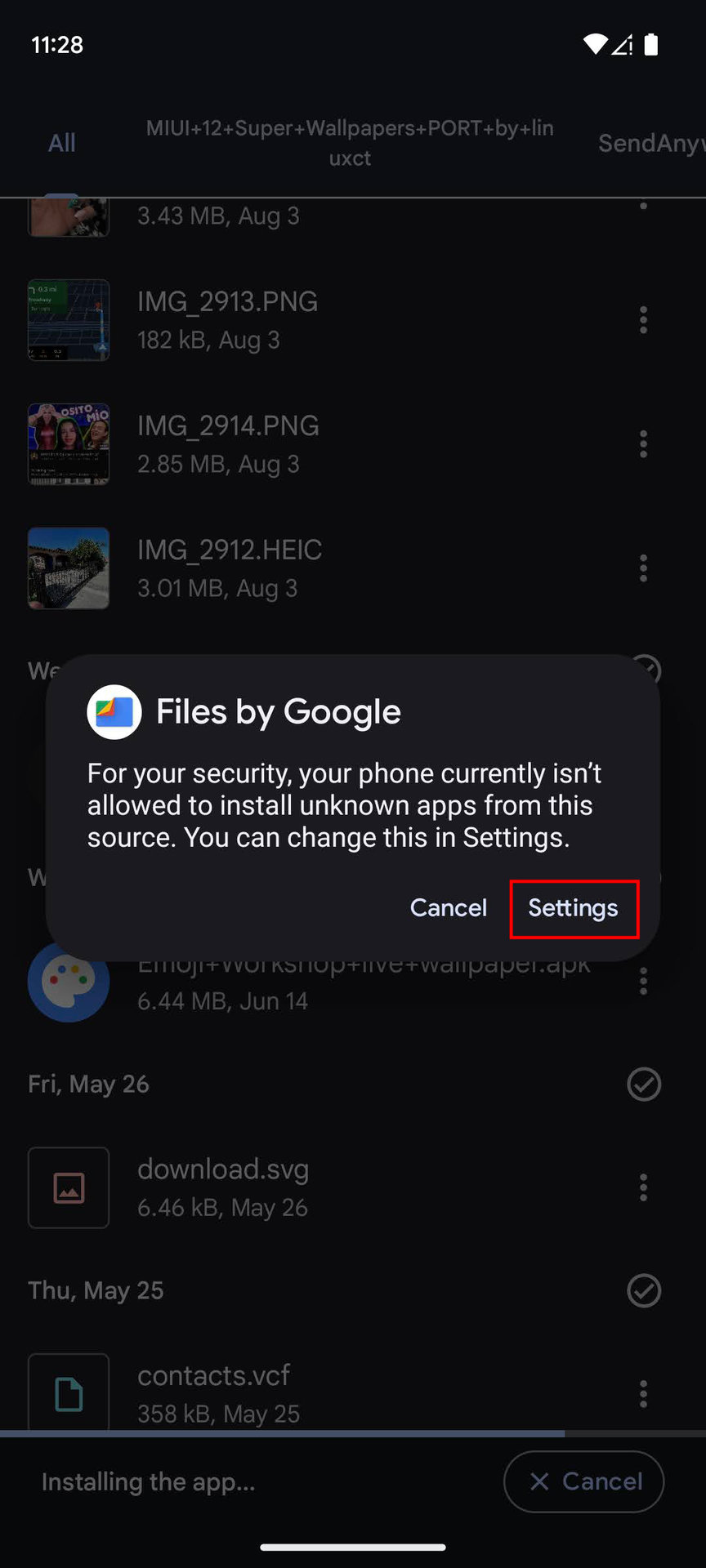
- Enable Unknown Sources: Go to your device’s settings, then navigate to Security or Apps & notifications. Find the option to enable installation from unknown sources (this may vary based on your device).
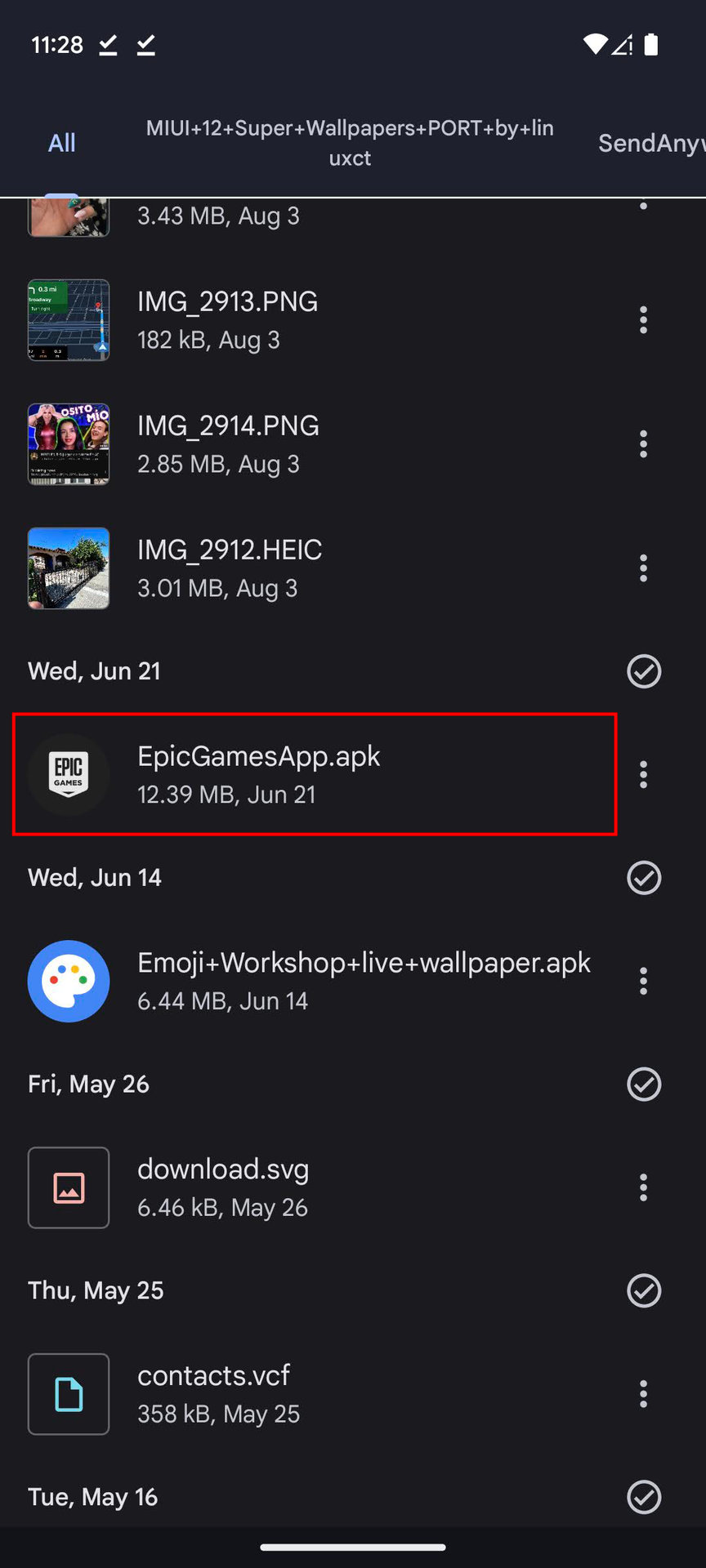
- Locate the Downloaded APK: Use a file manager app to find the APK file you downloaded. It's typically in the Downloads folder.
- Install the APK: Tap on the APK file, and a prompt will appear asking for confirmation to install. Click Install and wait for the installation process to complete.
- Launch the Game: Once installed, you can open the game directly or find it in your app drawer. Enjoy your newly installed game!
FAQs
What are the risks of downloading APKs?
The risks include exposure to malware, potential legal issues related to pirated content, and compromised device security. Always ensure that you’re downloading APKs from reputable sources to mitigate these risks.
How to verify an APK file?
You can verify an APK file by checking its hash value against the one provided on the download site. Use an APK integrity tool or a hash calculator app to compare these values. If they match, the APK is likely safe to install.
By understanding how to safely download APKs for gaming, Malaysian gamers can enhance their gaming experiences without compromising their device security. Remember to stay informed, verify your sources, and always prioritize safety.